A product collection connects a specific audience, a shared visual identity and several useful offers. Start with one original design, define what stays consistent, and adapt the composition to each product’s purpose. The goal is a small family someone understands, not the same file placed on every available surface.
This is a workflow guide for creators who already have an idea or artwork. It covers the decisions between the first composition and a reviewed collection: visual rules, variations, formats, files, feedback and launch preparation.
oddPOD connects brand context, collections, editable Studio work, apparel mockups, digital packages and promotional preparation. Physical apparel, artwork downloads and printable PDFs still have different production and delivery checks. Keep those differences visible as the range grows.
Choose how the collection will grow.
These expansion choices solve different needs. Pick one reason to add a product, then assess the extra design and delivery work.
On a small screen, scroll the table sideways to compare the details.
| Expansion | What stays shared | What changes | Review before adding |
|---|---|---|---|
| A related phrase | Audience, motif and typography | Wording, line breaks and emphasis | Meaning, spelling and layout |
| Another apparel option | Approved visual identity | Garment, print area and contrast | Provider file, variants and sample |
| An art download | Original subject and palette | Composition, dimensions and package | Every buyer file and instruction |
| A useful printable | Audience and restrained motif | Page purpose, fields and writing space | The exported PDF and a paper test |
Eight decisions that keep a collection coherent.
Work through the decisions in order, but return to the brief when a new idea no longer serves the same audience. A coherent collection can be small.
Establish the common thread
Define the audience and the visual rules
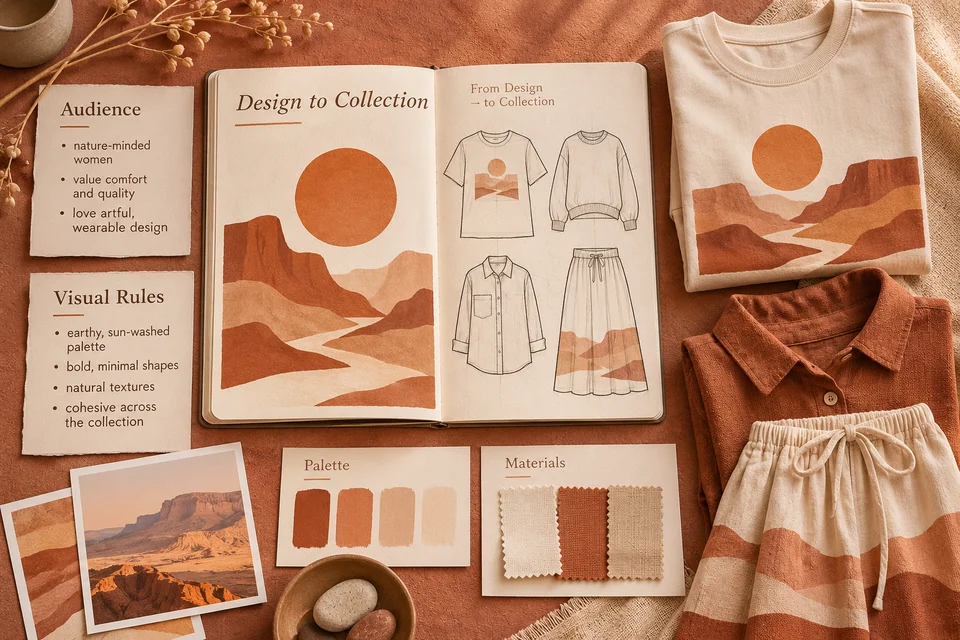
Write down who the collection is for, the experience it expresses and the tone it should use. Then choose the visual constants: a limited palette, a typography direction, a recognizable motif and a consistent level of detail. These are practical design decisions, not a restriction against making something new.
Write a one-sentence audience brief and choose three visual features that every product should share.
How to prepare this idea
Save the context in Niche & brand and link it to the collection. If you use AI, the saved context can help keep requests consistent, but each result still needs review. Repeating a prompt is not a guarantee of identical characters, lettering or style.
Create a small reference sheet from your approved work. Use it to judge later products: does this belong to the same family, and does it still make sense for the buyer?
Make a choice before polishing
Explore a few distinct directions
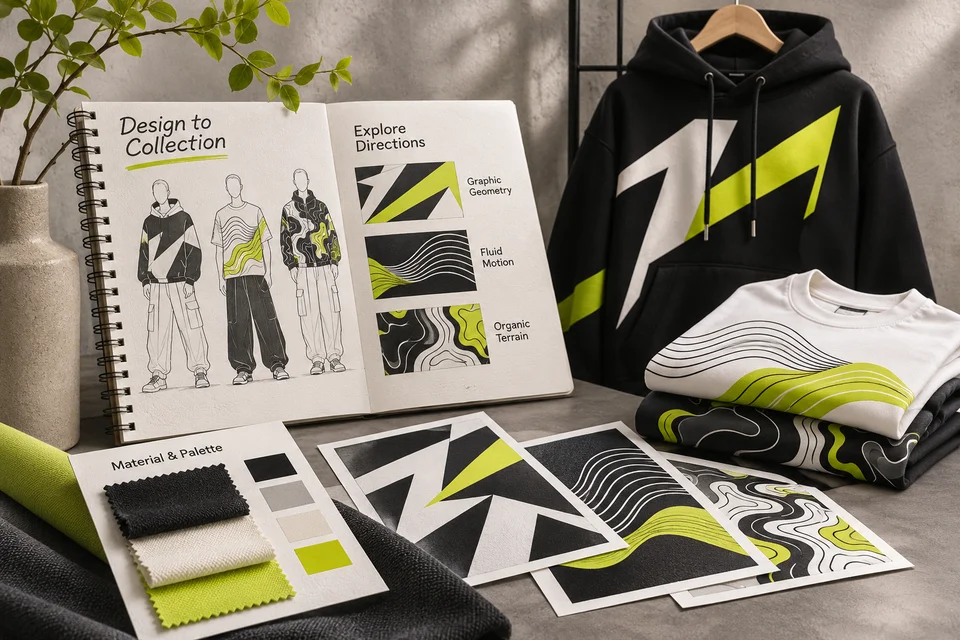
Sketch two or three ways to express the idea: an illustration-led composition, a type-led design or a small emblem. Change the underlying approach, not just the background color. Compare the options against the audience and intended product before refining details.
Put two different concepts beside the brief and write one reason each would or would not suit the buyer.
How to prepare this idea
Use manual Studio tools or bring in your own sketches. Optional AI can help you explore when you feel stuck, but those requests use paid credits, including Ask Oddly. Review generated words, shapes and visual references; a plausible image is not a finished production file.
Choose the direction that is clearest for the intended use. Keep rejected explorations separate so they do not accidentally become part of the final collection.
Keep room to adapt
Build an editable master and a deliberate finish
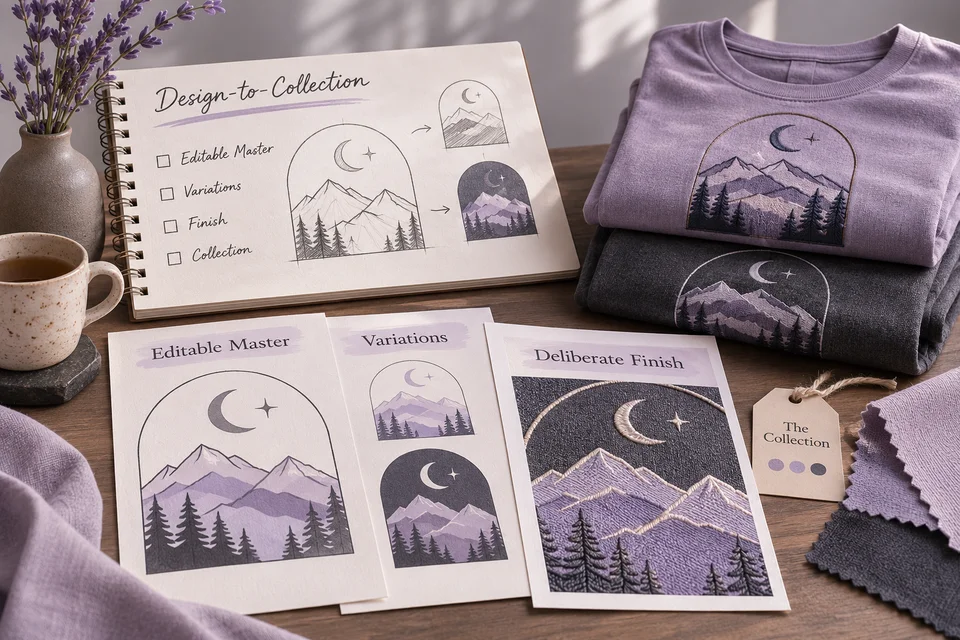
Separate the illustration, headline and supporting marks into editable layers or groups. Preserve a clean master so later layouts do not depend on rebuilding a flattened image. One original drawing can anchor a family when its shape and role remain recognizable.
Save a clean master and one treated variation, then compare both at the intended viewing or print size.
How to prepare this idea
If a vintage finish is part of the identity, use it deliberately. Darkroom offers halftone, dither and other treatments; inspect the chosen effect at the final size. A distressed texture should not erase important lettering or introduce detail the production method cannot hold.
Some treatments support SVG output and others are raster. Verify the actual export for the chosen treatment instead of assuming that a visual effect is editable vector artwork. Keep an untreated version for future uses that need a cleaner result.
Change the message with care
Create phrase families and manual variations
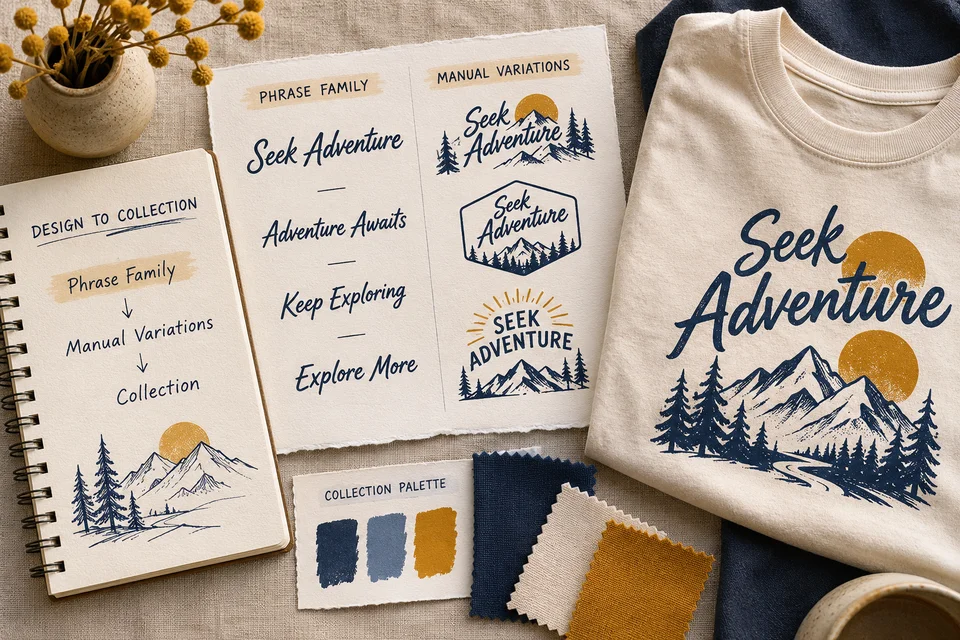
A phrase family can express different parts of the same experience. For a birdwatching audience, an early-morning emblem and a “one more bird” joke have different roles while sharing type and imagery. Each phrase needs its own hierarchy rather than a forced fit into the same box.
Write three related phrases and give each a different reason to exist. Reject any that merely repeat the first joke.
How to prepare this idea
Duplicate the artboard, edit the words and review spacing, line breaks and contrast. For names or dates, define the allowed variations and proof every version. Manual personalization is a design workflow, not an automatic buyer-facing configurator.
Keep a record of the exact wording attached to each product. If the wording changes after mockups or listing assets are prepared, update those outputs too. A saved master does not automatically revise already-exported files.
Adapt the purpose as well as the shape
Choose complementary physical and digital offers
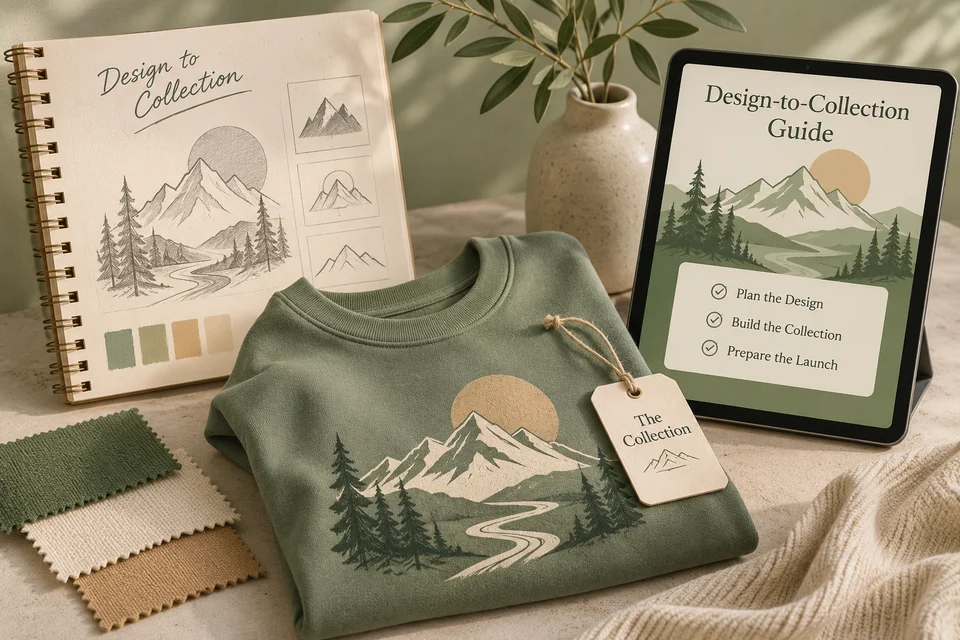
An apparel design expresses identity. An art download decorates a space. A printable observation page helps someone record an experience. They can share an audience and motif while solving different needs. That is a stronger reason for a collection than adding formats simply because they are available.
For each proposed product, finish the sentence: “The buyer uses this to…” Remove products with no distinct answer.
How to prepare this idea
For apparel, review the garment and print area. For downloadable artwork, create the intended composition and file package. For a printable PDF, prioritize readable fields and writing space; move the illustration into a supporting role. Do not turn the whole garment graphic into a decorative obstacle on a useful page.
Use separate product records and delivery checks. The physical provider draft, image bundle and printable PDF are different deliverables, and each needs accurate listing copy. This guide demonstrates apparel rather than claiming every physical product type is supported.
Make the workflow repeatable
Reuse the setup, review every output
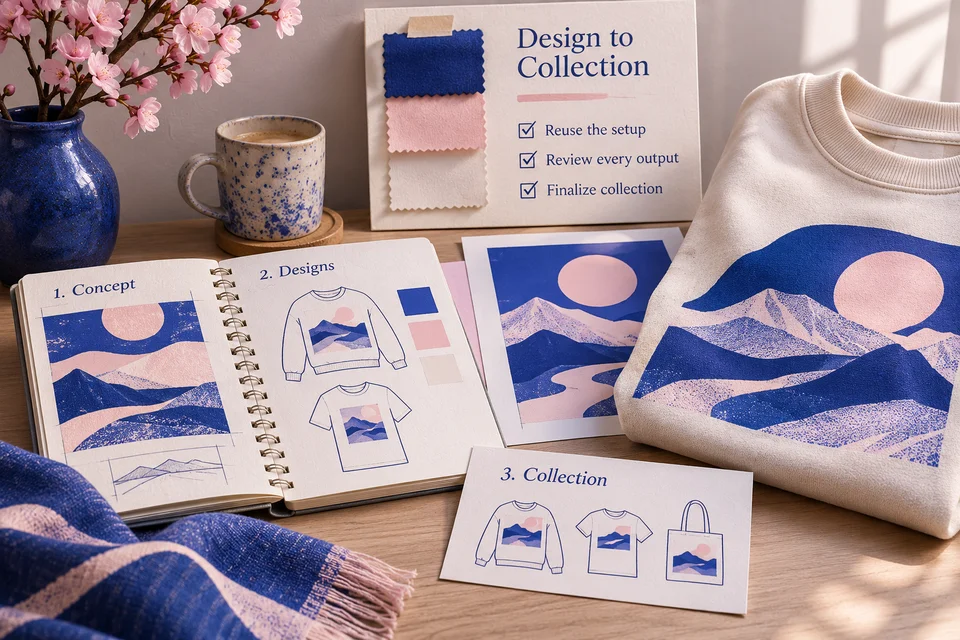
Reuse approved components and calibrated garment-photo sets to avoid rebuilding the same preparation work. Keep the collection, product records and editable projects organized with meaningful names. A repeated workflow is useful when it makes errors easier to notice, not when it hides them.
Write a short production checklist for one product and use it on a second product to discover what really can be reused.
How to prepare this idea
Render each apparel design through the appropriate set and inspect its placement and contrast. Build and unzip digital bundles. Export and open printable PDFs. A mockup that worked for one design may need an adjustment for a larger or differently shaped composition.
Keep final deliverables distinguishable from drafts and record which output belongs to which product. Before a handoff, verify the current saved artwork and the actual exported file rather than relying on memory.
Move from concept to a reviewed offer
Gather feedback and prepare a small launch
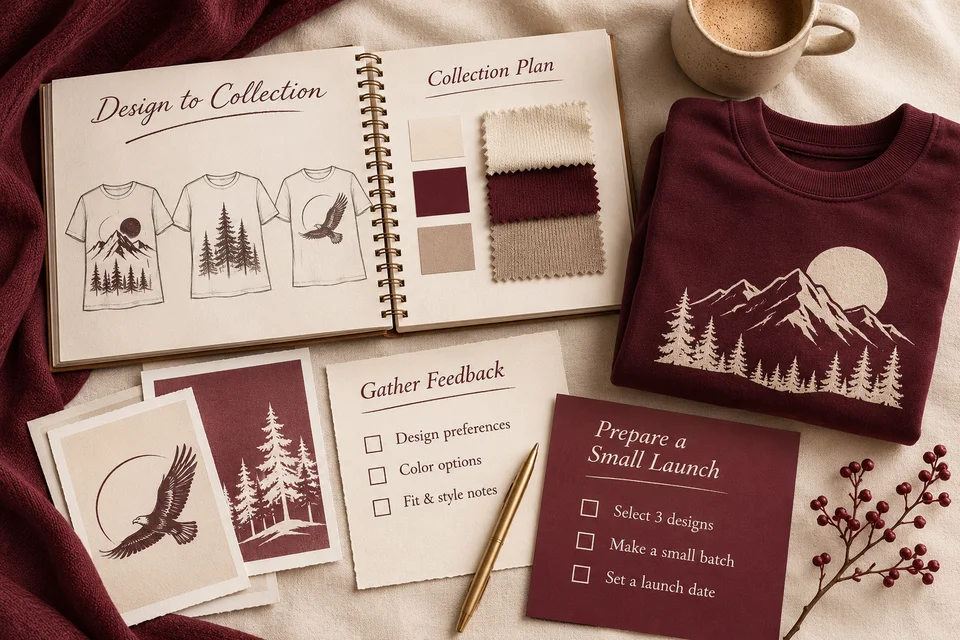
Show clearly labeled concepts to relevant people and ask a specific question: which message feels familiar, what would they use, or what looks confusing? Record the responses as observations. A compliment on artwork is different from a purchase, so do not convert informal feedback into a sales forecast.
Ask one focused feedback question about two concepts, then choose the smallest set of products you can fully review.
How to prepare this idea
Prepare the selected products, inspect samples or files and review the destination listing. For apparel, oddPOD can create a Printify draft after review; you publish it to your store yourself. For digital products, upload the inspected package through the chosen shop.
Plan a promotional sequence around accurate product details. Social → Campaigns supports planning, creation and review; scheduling needs connected accounts and your explicit choice. Confirm the actual purchase destination before directing people to it.
Grow from evidence
Improve the existing offer before broadening it
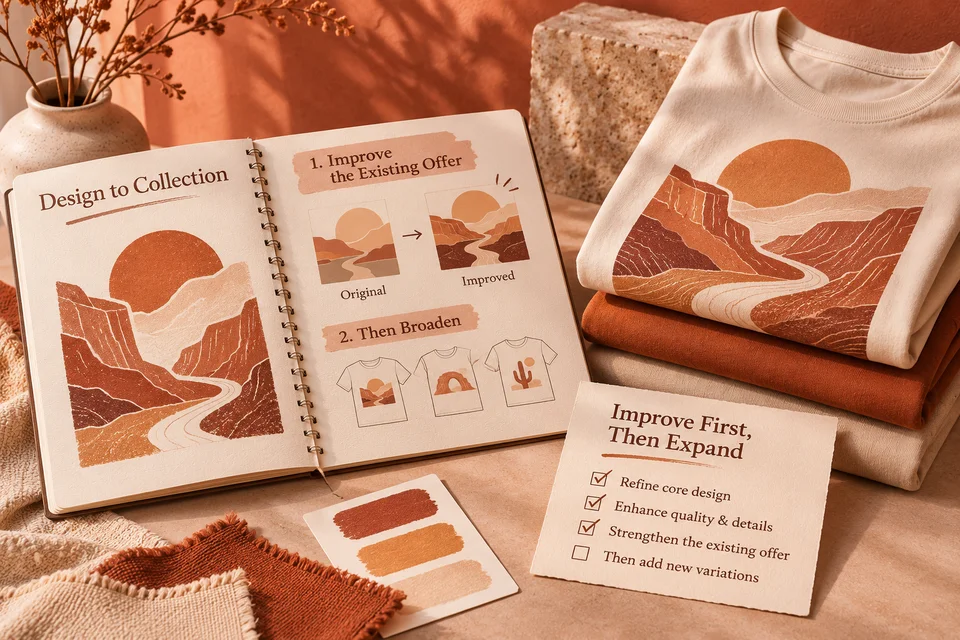
After a launch, examine what people actually ask, buy or struggle to use. Separate those observations from your own assumptions. You may need clearer instructions, a better image or a corrected size description before you need another product.
Choose one observed buyer question and decide whether it calls for a correction, a clearer explanation or a genuinely new product.
How to prepare this idea
Refresh an existing catalog using a defined list of artwork, copy or image changes. Preserve what buyers recognize, review the replacement files and update the destination listing deliberately. Editing the workspace does not silently replace a marketplace file or a scheduled social post.
Expand when the next product answers a credible need and you can support its delivery. A wider business might include an art line or a custom service, but each introduces its own buyer expectations and work. Keep the original collection readable as the range grows.
Field Notes Club: one bird, three different jobs
This fictional collection extends the birdwatching concept from the apparel guide. The original illustrations below show possible adaptations, not verified app exports, physical samples or a sales case study. The example name and phrases are not commercially cleared.
observationsDATE / PLACEWHAT I NOTICED03 / RECORD IT
- Keep the common identity
Retain the perched-bird motif, forest ink, warm paper and bold sans-serif headings. The audience is people who enjoy noticing nature on ordinary walks. The core voice is observant and welcoming, rather than technical bird-identification instruction.
- Make the apparel express the idea
Use “Just One More Bird” as the lead tee composition. Keep the headline legible and give the bird enough space. Prepare the actual provider garment, print area and color variants separately from the flat illustration, then inspect a physical sample.
- Make the artwork a complete composition
For an art download, give the bird more breathing room and reduce the slogan’s dominance. Choose a stated output size and inspect the file at that size. Package the actual artwork and instructions; do not include a garment image as though it were the buyer’s printable art file.
- Make the printable useful
For an observation page, use a small bird mark in the header and reserve the page for date, place, observation and notes. Build the page in the printable workflow, inspect the exported PDF and test the writing space on paper. The buyer records their own observations; the page does not identify species automatically.
- Prepare three separate handoffs
The tee reaches a reviewed provider draft, with publication managed separately. The art download becomes an inspected image package uploaded to the chosen shop. The observation page becomes an inspected printable PDF uploaded through the shop’s workflow. Each listing must describe its own delivery accurately.
- Introduce the connection without overstating it
An example concept caption is: “For the walk, the wall and the things you notice along the way. Three Field Notes Club ideas, one small bird. Which would you use first?” Label the visuals as concepts while collecting feedback. Replace that wording with verified product details and a real destination only when the products are ready.
The delivery plan
What the finished work should include.
- A shared audience brief and visual reference sheet.
- An editable master with separate motif, text and supporting elements.
- Three adapted compositions with a distinct use for each product.
- Separate apparel, artwork-bundle and printable-PDF review checklists.
- A product manifest naming the final file, mockup set or package for each offer.
- A launch plan that distinguishes concept feedback, product readiness and actual publication.
Start with one fully reviewed product if three would spread the work too thin. A collection can be developed in stages while its shared identity stays consistent.
Keep the collection connected at every handoff.
The collection is coherent only if the buyer-facing files, images and words still agree. Review the latest export and listing together. A correct Studio project cannot compensate for an outdated file in the shop.
Evaluate the work added by each new format: samples, file preparation, instructions, support and selling costs. Optional AI adds paid usage, and more variants add review work. Reuse can make production more manageable without making it automatic.
- Give every product a distinct buyer use and an accurate delivery description.
- Check the shared palette, typography and motif without forcing identical layouts.
- Review every phrase, manual name variation and language version in its final composition.
- Inspect garment samples, actual image files and actual PDFs through their separate workflows.
- Track the final version used in the listing, provider draft and promotional assets.
- Use observed buyer feedback to decide what to fix or expand; do not treat readiness indicators as proof of demand.
Your questions, answered.
How many products make a collection?
There is no required number. A small set of related products can communicate the idea clearly. Start with what you can fully prepare and support, and add a product when it serves a useful role for the same audience.
Can I reuse the exact same artwork everywhere?
You can reuse original elements, but each format needs a layout review. A garment print, portrait art download and writing page have different scale, composition and space requirements. Keep an editable master so adaptation does not depend on stretching a flattened file.
Will AI keep every design in the same style?
Saved brand context can guide AI work, but it does not guarantee identical style or details. Define visual rules, compare the outputs and edit them yourself. AI requests use paid credits; manual editing remains available without an AI call.
Does updating the design update my shop too?
No. Review and regenerate the affected exports, mockups or packages, then update the destination service. Existing storefront files and already-created social posts do not silently receive every Studio change.
How should I choose the next product?
Look for a specific buyer need and a format you can deliver well. Use real questions and behavior to distinguish a missing product from a confusing existing offer. Do not expand solely to increase catalog size.