Digital downloads
Package digital art bundles buyers understand.
A bundle is more than a zip of images. Give buyers the right formats, clear usage terms and instructions, and they’ll know what they bought and how to use it.
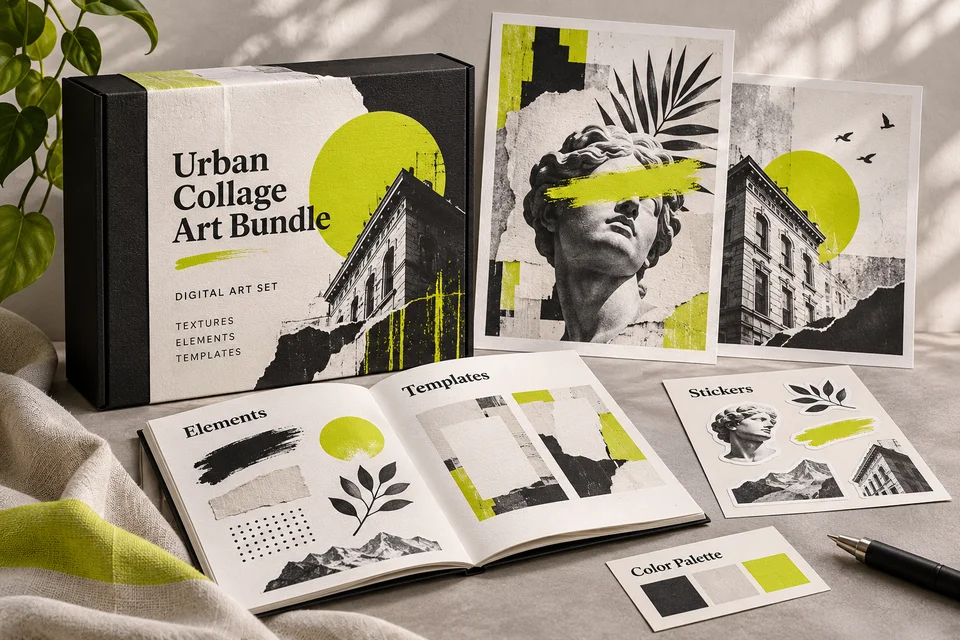
What you end up with.
- Source PNGs
- At original dimensions
- Optional JPG copies
- For easy printing
- Instructions and terms
- What buyers may do with the files
- Listing previews
- Showing what’s inside
How to do it in oddPOD.
Each step names the tool it uses.
Plan
Decide who it’s for and what you’ll make.
Create
Design the artwork, pages and products.
Prepare
Get every product ready to list.
Launch
Hand off to your shop and tell people.
Handled outside oddPOD: uploading files and publishing the listing in your shop; delivering the download to buyers (your shop does this); marketplace fees, file-size limits and listing rules.
Where to begin.
Starting points, not promises. Pick one you can reach and make it well.
Clip art and illustration sets
For crafters and small businesses
Pattern and texture packs
Seamless tiles, overlays
Themed art collections
Seasonal or hobby themes
Questions.
All questionsDo I set the license?
Yes. You write the usage terms. oddPOD includes them in the buyer instructions; it doesn’t give legal advice.
Can I include SVGs?
Supported Darkroom vector treatments export SVG on Seller and Studio. Check which formats your bundle contains before listing.
More you can make.
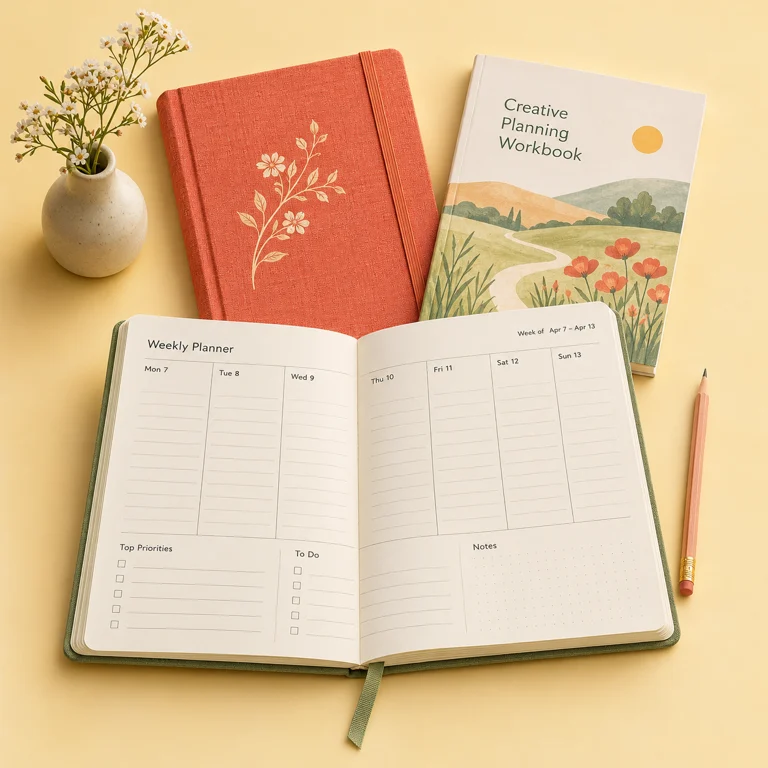
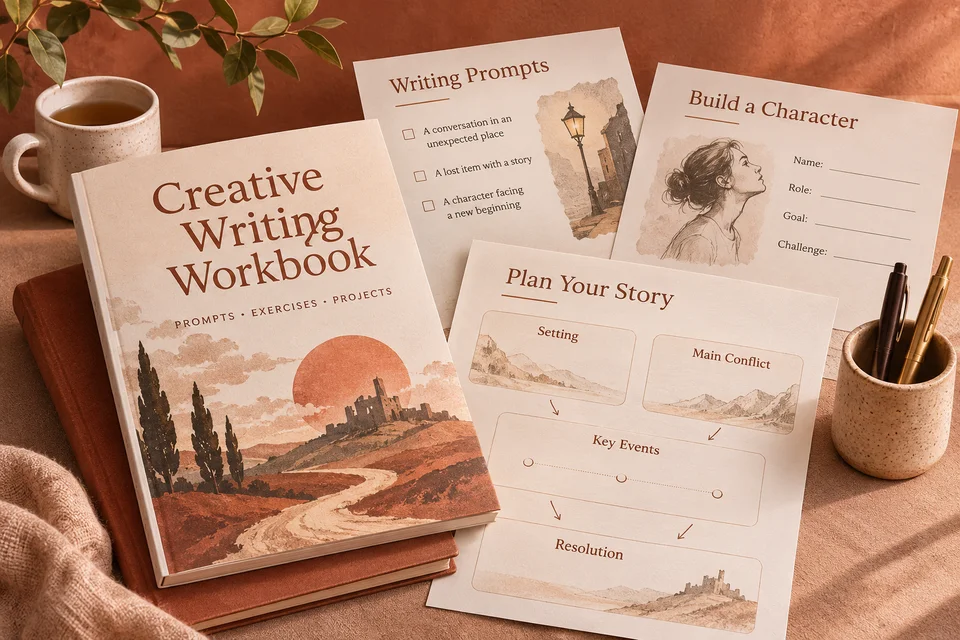
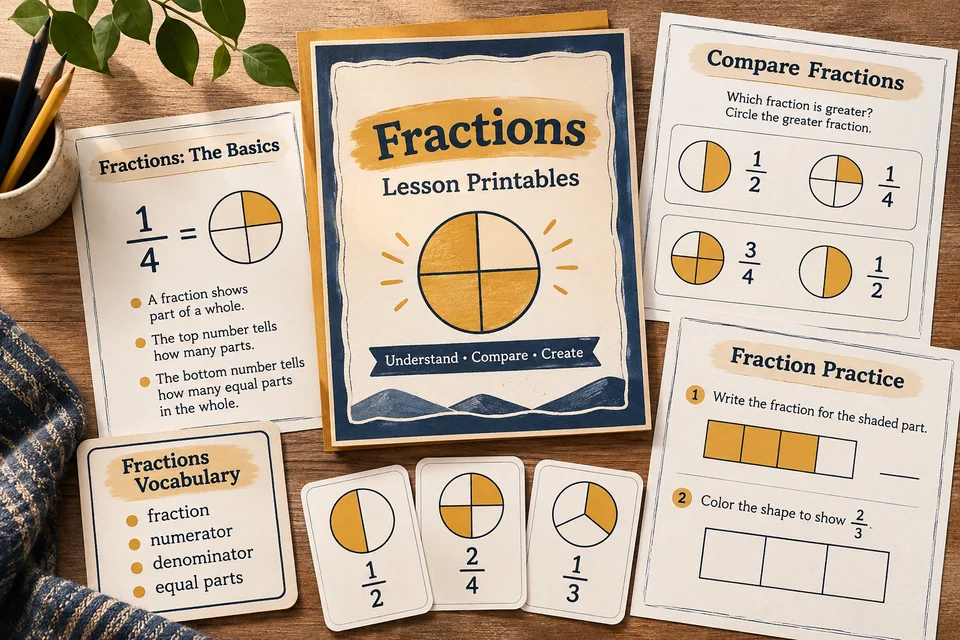
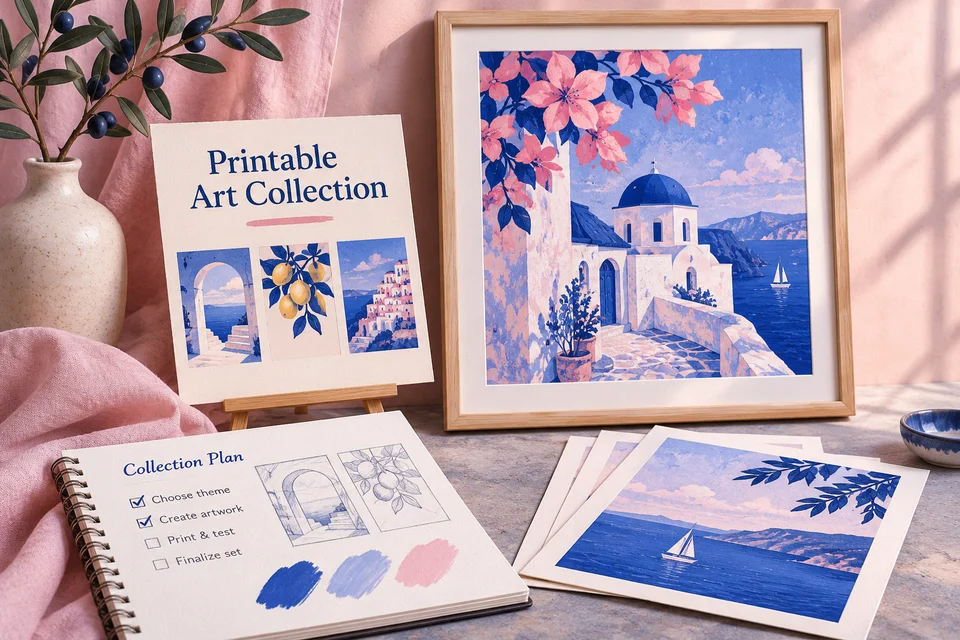
Make your first digital art bundles.
Start with an idea, a design you already have, or a client brief. oddPOD helps with everything after.