A useful printable planner or journal helps a specific person organize, notice or record something. Start with the task, choose the fields that support it, and test a small set of pages on paper. A readable five-page kit can be a clearer product than a large journal full of repeated filler.
The buyer purchases the PDF and prints the pages. Your work is to make the structure, writing space and instructions fit that use. A decorative cover can introduce the product, but the inside pages have to carry it.
oddPOD’s printable workflow connects a product brief and page plan to editable Studio artboards and PDF export. The supported output is for printing and filling in by hand. It is not automatically a fillable PDF, working spreadsheet or buyer-editable template.
Choose the kind of page the task needs.
These are layout choices, not rankings of demand. Choose one primary job and combine page types only when they help the same buyer.
On a small screen, scroll the table sideways to compare the details.
| Page type | What it helps with | Example | What to test |
|---|---|---|---|
| Planning sheet | Choose actions before doing them | A weekly priority page | Enough room for real commitments |
| Tracker or log | Record repeated observations | A planting or maintenance log | Clear units, dates and row spacing |
| Guided journal | Reflect with useful prompts | A travel-day reflection | Prompts that are specific without being repetitive |
| Reference record | Keep details easy to find | A collection-item record | A field structure that matches the actual items |
Twelve offers built around real tasks.
Use these as briefs to investigate. Talk to someone who does the task, learn what they already record, and test a single page before expanding the product.
Plan the week
A weekly planner for a defined routine
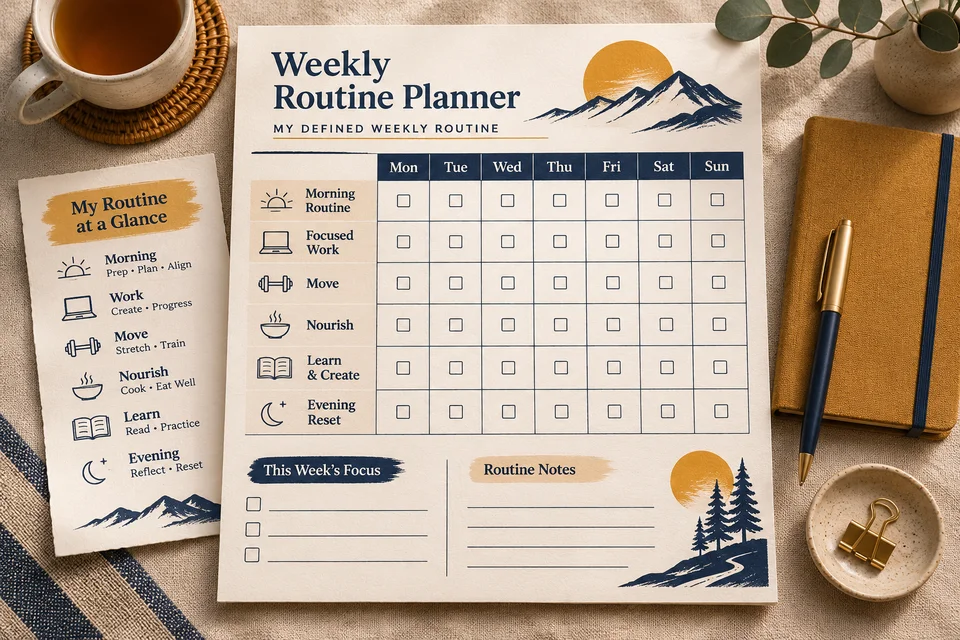
Serve a buyer with a recognizable routine: someone juggling a part-time project and a regular workweek, for example. A useful offer might include weekly priorities, a schedule and a review page. Ask which decisions are difficult before choosing the boxes.
Ask a potential user to fill a rough weekly page with last week’s real commitments and mark anything that does not fit.
How to prepare this idea
Plan the page hierarchy in oddPOD, then use editable text, lines and tables in Studio. Leave room for actual handwriting and distinguish appointments from flexible tasks. The buyer’s calendar and reminders remain outside the PDF. Extend the kit with a monthly view only if the weekly pages reveal a need for it.
Make reflection specific
A focused guided journal
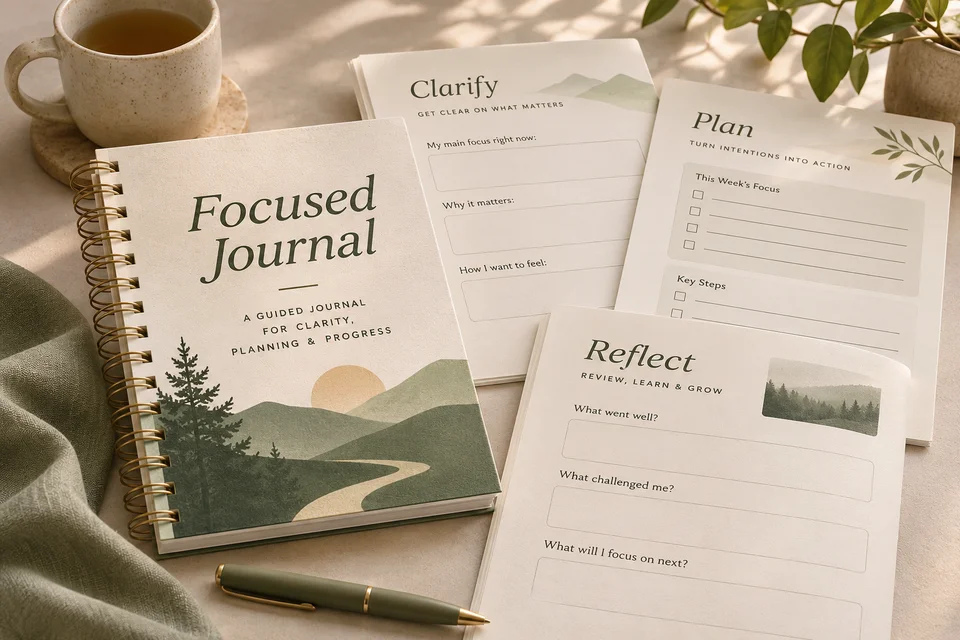
Choose a subject people already want to reflect on, such as a creative practice or a personal project. Offer a small sequence of prompts that moves from observation to a next action. Do not mistake many nearly identical questions for a complete experience.
Write three prompts that lead to different kinds of answers, then fill them in yourself before designing the page.
How to prepare this idea
Write and review the prompts, plan the sequence and build the pages in Studio. Reserve generous writing space and test the reading order. The buyer supplies the reflection; the PDF does not provide personalized advice. A later volume can explore another aspect of the same practice.
Make repetition visible
A habit-tracker collection
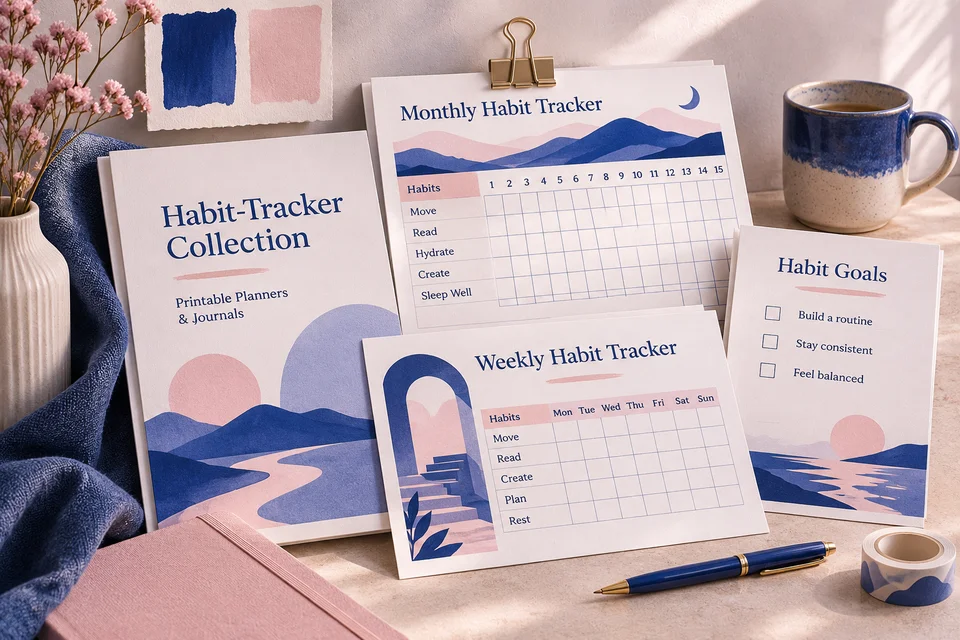
A tracker can help someone record a chosen routine without prescribing what that routine must be. An undated monthly grid, a weekly view and a short review sheet form a clear small offer. Decide whether the user marks completion, quantity or a note; those need different spaces.
Choose one recording method and test whether it stays understandable after a full month of sample marks.
How to prepare this idea
Use tables and editable labels to build the grid, then inspect every cell and date field. Keep a blank-label version if the product is intended for different routines. Buyers fill it in by hand; there are no automatic totals or reminders. Extend with a new view after seeing which one gets used.
Organize information
Paper budgeting and expense records
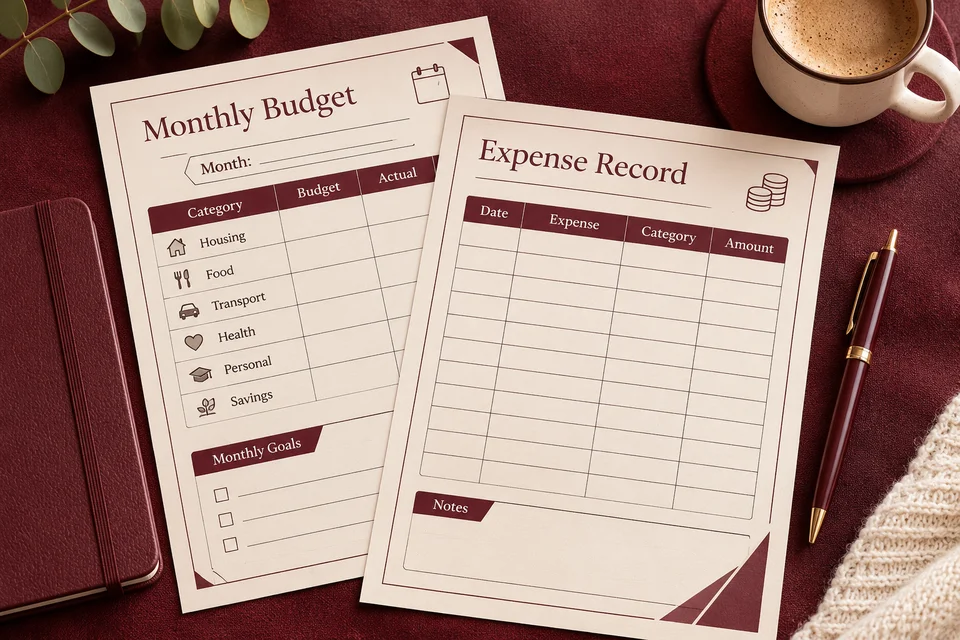
A paper kit can give someone a place to list planned expenses, record purchases and compare their own totals. Define the purpose as organizing information rather than telling buyers how to invest or what financial outcome to expect. Use clear period and currency fields.
Prototype one expense log and see whether a buyer can record an actual week without inventing extra columns.
How to prepare this idea
Build a category sheet and transaction log with enough rows and readable column labels. Test the layout with realistic entries, including a correction. Calculations are manual; this is not a spreadsheet, bank connection or financial service. A useful extension is a separate irregular-expense record.
Remember a particular trip
A trip journal with a clear scope
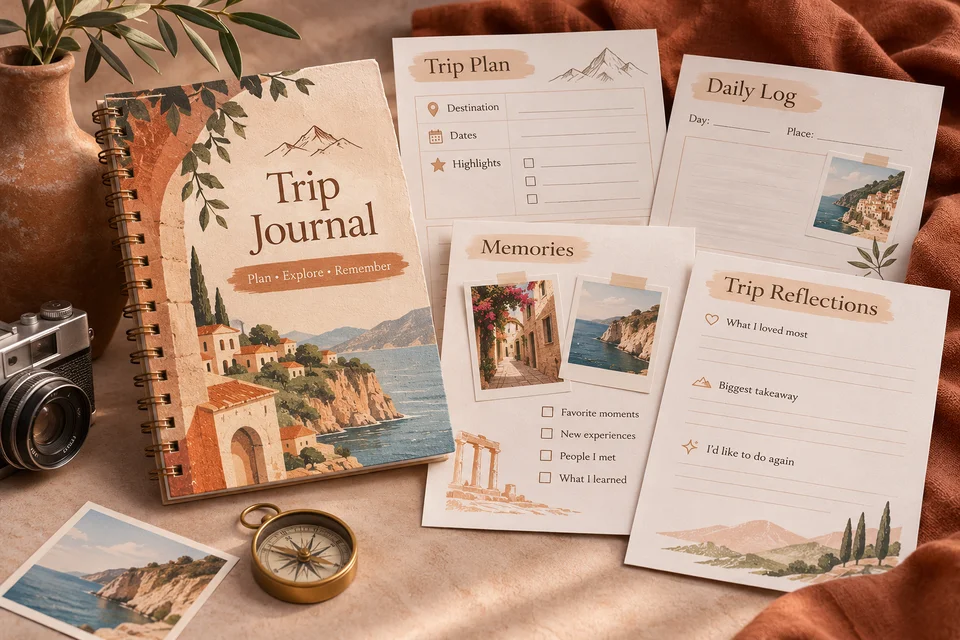
Serve a traveler who wants to remember a specific kind of journey, such as a short road trip or a city weekend. Combine a trip overview, a daily observation page and room for a sketch or keepsake. Separate memory-making from travel bookings and live itinerary information.
Fill the daily page from a trip you remember and remove prompts that produce the same answer.
How to prepare this idea
Plan the repeatable daily page and build consistent artboards in Studio. Check whether the writing space fits a short evening entry. The buyer manages reservations and current travel details elsewhere. Extend the journal with a route-specific reflection only when you know the audience.
Learn from observations
A garden journal for a small growing space
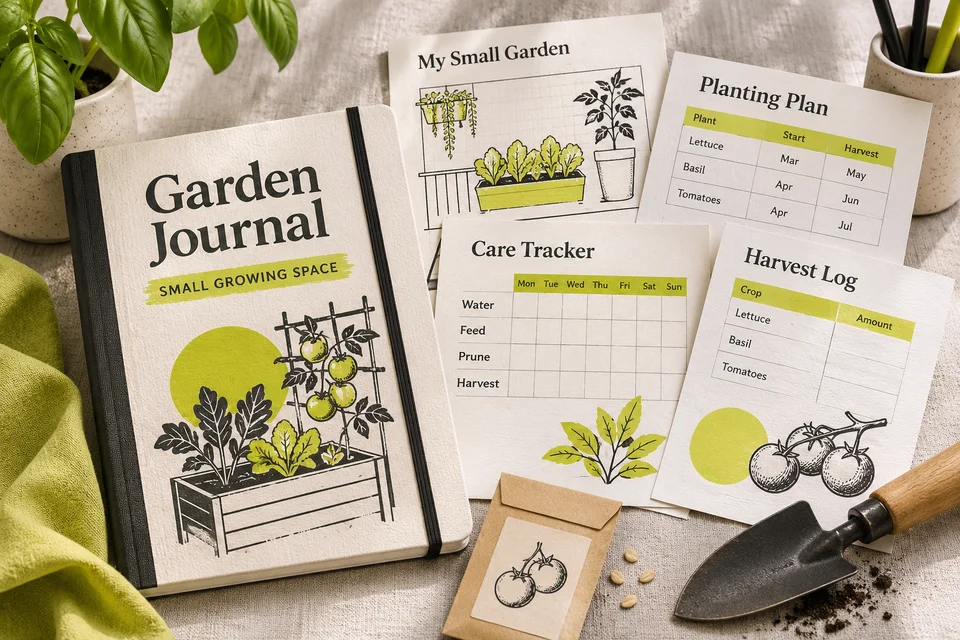
A balcony grower or small-plot gardener may need a place to remember what was planted, where it went and what happened. Offer a plot sketch, planting log, observation page and end-of-season review. The product organizes the gardener’s information; it does not need to claim expertise about every crop or climate.
Ask a gardener to reconstruct one planting from their notes and identify the detail they wish they had recorded.
How to prepare this idea
Use the printable workflow to plan those page roles and build editable tables and writing areas. Label units and leave space for changes. Buyers obtain location-specific growing guidance elsewhere. A second kit might focus on a different growing setup after the first has been tested.
Remember the reading
A reading journal with room for an opinion
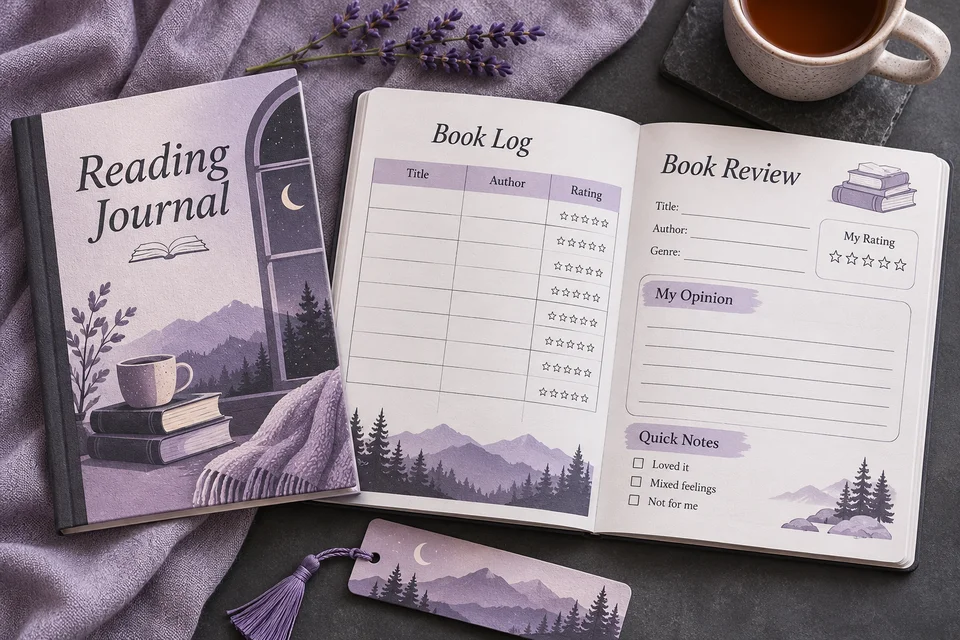
Design for a particular reader: a book-club member may need discussion notes, while a casual reader may only want a short record and a few memorable observations. Define a compact offer with a reading list, one book record and an optional discussion page.
Record one book using your proposed page, then ask which field made it easier to remember or discuss it.
How to prepare this idea
Keep title and author fields distinct, make notes easy to scan, and test the writing area using a real completed book. Build the pages as editable artboards and export the printable PDF. The buyer provides their own commentary; do not fill the product with copied book passages or cover art.
Capture how something was made
A hobby-specific project journal
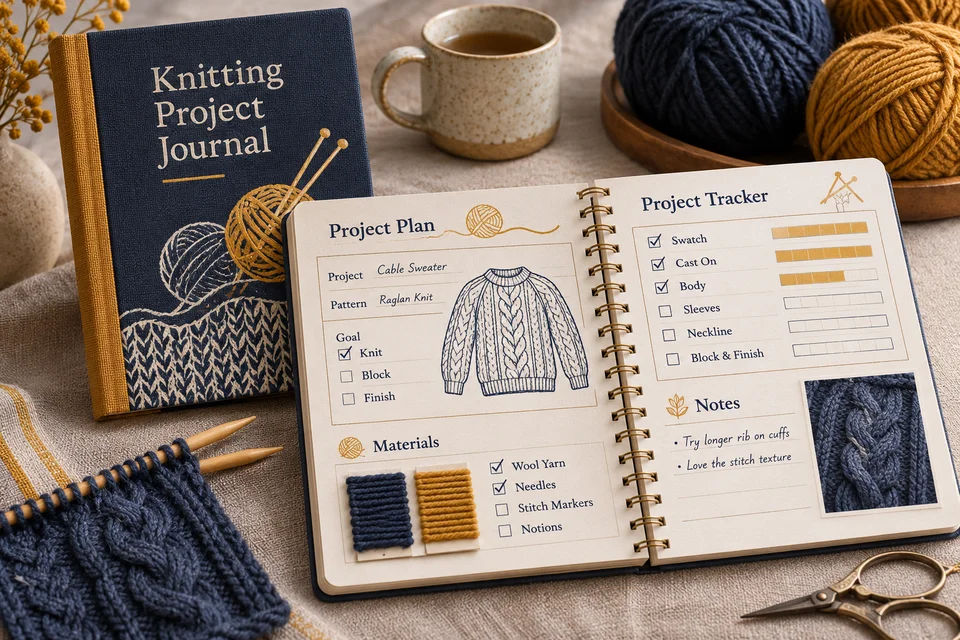
Choose a hobby whose process you understand. A sewing-project record could include materials, pattern reference, adjustments and lessons for next time; a model-building journal needs a different structure. The offer is useful because its fields reflect the activity.
Follow one completed hobby project from preparation to review and list the information worth keeping.
How to prepare this idea
Work from an actual project sequence, then build a repeatable record in Studio with space for sketches and observations. Have a practitioner check the terminology. The journal does not replace technical instructions for the hobby. Extend it with inventory or practice pages only when those support the same workflow.
Connect plans to delivery
A small-business planning kit
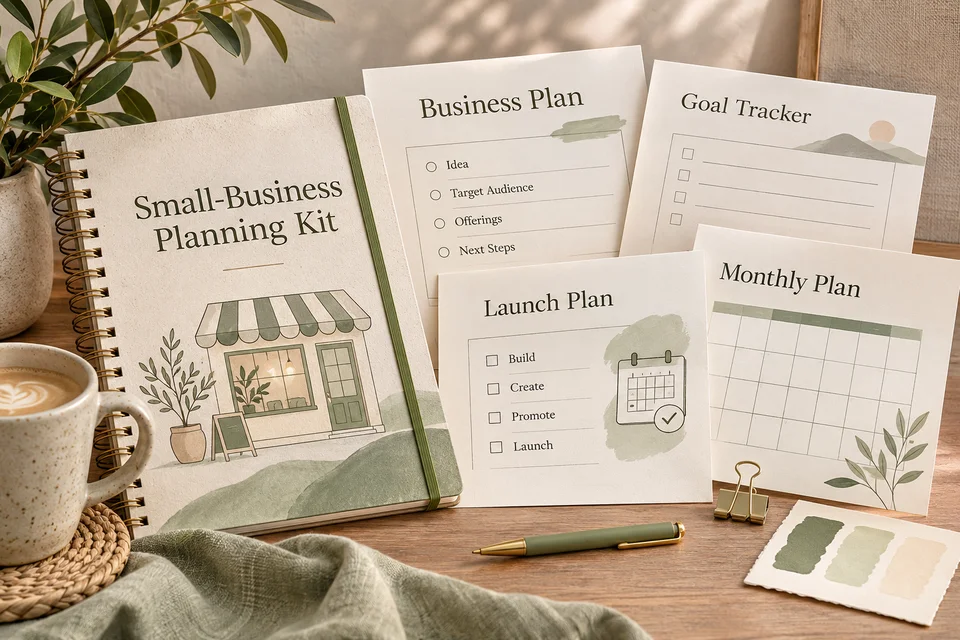
A solo maker may need a place to map a small product release, record tasks and review what actually happened. Offer a project brief, weekly action sheet and launch review. Keep the kit specific enough that the buyer can see how the pages work together.
Choose one business task, such as preparing a three-product release, and map the information required at each step.
How to prepare this idea
Use the page plan to separate decisions from task tracking. Build the layouts in Studio and test them with a small fictional release. The PDF does not connect to accounting, inventory or ecommerce systems. A related order-preparation checklist can be a later addition, subject to the buyer’s workflow.
Keep preparation easy to find
An audition organizer
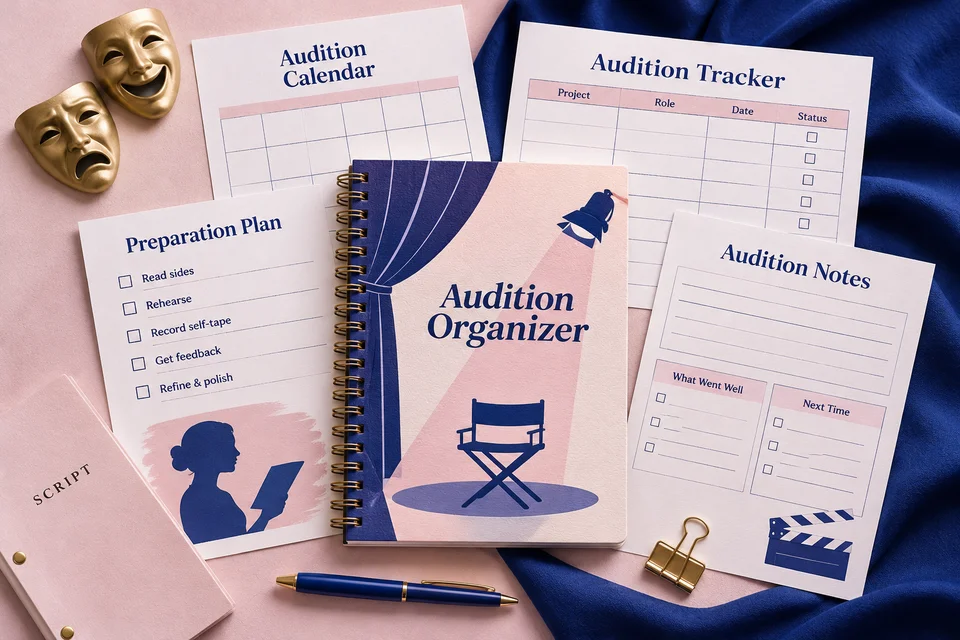
A performer may need a central record of auditions, preparation tasks and follow-ups. An offer could include an audition overview, material-preparation checklist and reflection sheet. Ask a performer which fields matter rather than borrowing a generic appointment planner.
Ask a performer to walk through one past audition and identify information they had to find in several places.
How to prepare this idea
Build clean date, role and notes fields, plus writing space for preparation and personal observations. Test a complete sample entry for legibility. Scheduling, submissions and communications happen outside the PDF. Avoid implying that the organizer predicts casting outcomes or improves selection chances.
Keep a factual record
A vehicle-maintenance journal
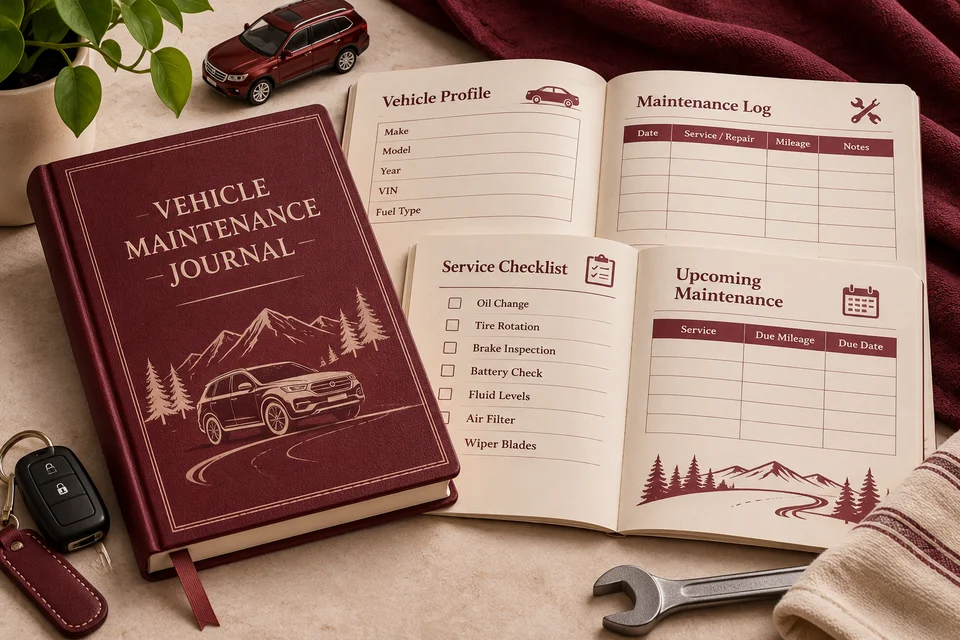
A vehicle owner may want a clear record of service dates, mileage, work performed and receipts. Offer a vehicle-information page, service log and document index. Treat it as recordkeeping, not a source of repair instructions or a universal maintenance schedule.
Use a few fictional service records to test whether the log captures date, distance, work and supporting document references.
How to prepare this idea
Create tables with clear mileage or distance units and enough space for provider notes. Test long service descriptions and multiple entries on the same date. Owners should follow the vehicle’s actual guidance and qualified advice separately. A multi-vehicle version can reuse the layout with separate records.
Know what is in the collection
A collector documentation kit
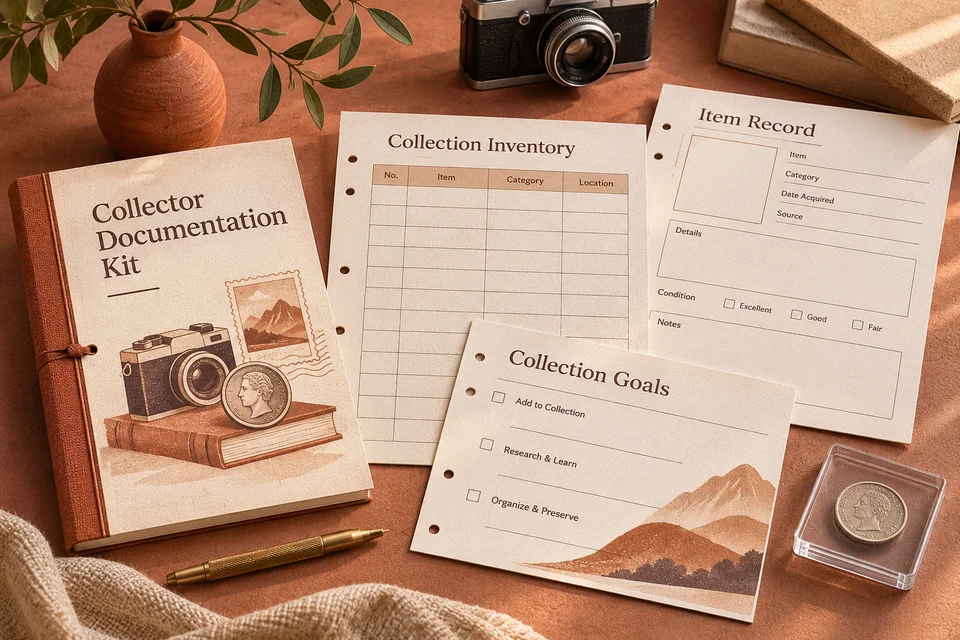
A collector may need to record where an item came from, its identifying details and where supporting material is stored. Choose a collection type, such as vintage cameras or art prints, and offer an item record plus an index. Different objects require different fields.
Create records for three different items in the chosen category and see which fields stay useful across all three.
How to prepare this idea
Build a clear record layout with room for a sketch or photo reference and the owner’s notes. Keep purchase information separate from any estimate. The PDF does not authenticate objects, appraise them or maintain an automatic inventory. Add extra fields only after a collector tries it with real items.
Small Plot Journal: five pages with different jobs
This original fictional garden-journal concept shows a proposed page system. The visual is an editorial layout study, not a captured app screen, inspected PDF export or physical print. It demonstrates how coordinated interiors can serve one task without padding the page count.
- Write the product brief
The buyer is a beginner recording a small garden. The need is to remember what was tried and what changed. The proposed deliverable is one five-page, undated printable PDF in US Letter size, filled in by hand. A separate A4 edition would need its own layout and export review.
- Give each page a role
Plan five pages: a plot overview, a planting log, a weekly observation sheet, a harvest record and a season review. The weekly sheet can be printed again by the buyer. Do not count that reuse as dozens of unique designs. Include short usage instructions on the overview rather than adding an ornamental page.
- Build the coordinated interior
In Collections, choose the printable PDF workflow, confirm the profile and page size, and review the page plan. Build in Studio, then inspect each artboard. Use the same heading hierarchy, margins and table labels throughout. Repeating page designs support consistency, but every repeated page still needs a reason to be included.
- Test the page with realistic entries
Use a fictional entry such as “Pot 03 / basil / planted May 12” to check column widths. Try a longer plant name and a full sentence in the observation area. Use light rules and strong text contrast; an attractive screen layout is not enough if someone cannot write in the spaces.
- Export, inspect and replace carefully
Return to the product’s Printable PDF area and export. Open the file, confirm five pages, inspect margins and text, and print a sample at the intended scale. If you change the Studio project afterward, export again. Upload the reviewed PDF to your shop and replace the previous attachment when revising a live product.
The delivery plan
What the finished work should include.
- A product brief naming the buyer, task, page size and print-and-write delivery.
- A five-page plan with distinct purposes and a repeatable weekly sheet.
- Editable Studio artboards with a shared visual hierarchy.
- A reviewed PDF whose page count and size match the actual listing.
- Plain buyer instructions and accurate preview images of the included pages.
The next useful improvement may be a wider observation area rather than another page. Ask a test reader to use the journal for a short period and describe where they needed more space or clearer instructions.
Review the pages as a printed product.
A printable’s value depends on use. Open the exported PDF and inspect the final result, then print a sample. Your test should include the ordinary mistakes a user makes: long entries, crossed-out words, skipped dates and repeated printing.
Allow for research, writing, layout, print tests, proofreading, software and support when evaluating the offer. More pages create more review work. Manual editing does not require AI; optional AI planning or writing uses paid credits.
- Use a consistent page size and name it accurately. Review a second paper size as a separate layout.
- Check margins, table columns, writing space, line contrast and readable type on paper.
- Confirm page count and page order from the exported PDF, not from the original plan.
- Describe the product as printable and filled in by hand; do not imply automatic calculations or editable delivery.
- Make the listing previews match the included pages and distinguish unique designs from repeated pages.
- After a Studio change, re-export and replace the shop’s file. oddPOD’s outdated-export warning does not update a marketplace attachment.
Further reading and destination guidance.
For an Etsy listing, check the current file-upload and attachment process before delivering the PDF. Etsy’s digital-listing instructions →
Your questions, answered.
How many pages should the first printable contain?
Enough to complete the buyer’s task without unnecessary repetition. Start with a small set of distinct page roles, test them and add only what the use case requires. There is no page-count formula for value or sales.
Can the PDF be filled in on a computer?
The supported printable workflow creates PDFs for printing and filling in by hand. Do not sell them as interactive forms, working spreadsheets or buyer-editable templates unless you have separately built and verified that delivery.
Can I offer both US Letter and A4?
The printable workflow supports those page sizes, but each version needs a layout and export review. Check margins, writing space and page breaks in the actual files. Do not assume a resized preview proves both versions work.
What happens when I edit a printable after exporting?
The product can show that the download needs updating. Review the edited Studio pages, export again and replace the file in the destination shop. A previously downloaded or uploaded file does not silently acquire your changes.
Does oddPOD publish or deliver the PDF to buyers?
You export and inspect the PDF, then upload and publish through your chosen shop. Record the real purchase link in oddPOD after checking the listing. Storefront delivery, payment and customer support remain part of your selling setup.