A digital art product is an artwork file sold for a defined use, such as printing a picture at home. You can sell a finished piece, a coordinated collection or a custom commission. The product includes the files, the explanation of what they are for, and the instructions that make them usable.
Start by deciding what the buyer wants to do. Someone decorating a small reading corner needs a different package from someone commissioning a particular phrase. “A folder of images” describes the delivery mechanism; it does not yet explain the offer.
oddPOD helps you edit artwork, organize designs and build download bundles. You choose the usage terms, inspect the finished package, and upload it to your selling platform. This guide focuses on artwork files; printable planners and journals have a separate page-design workflow.
Choose the offer before the file format.
Three offers can use similar artwork while asking very different things of you. Reviving old work and tracing suitable images are preparation techniques, not separate markets.
On a small screen, scroll the table sideways to compare the details.
| Offer | Buyer’s task | Example deliverable | Your ongoing work |
|---|---|---|---|
| Single printable artwork | Decorate one space | One finished composition in the stated dimensions | File clarity and buyer support |
| Coordinated art bundle | Choose a matching set | Three related compositions with a contents guide | Consistent quality across every file |
| Custom typography commission | Mark a personal phrase or occasion | One approved text composition in agreed sizes | Proofs, revisions and individual delivery |
Five ways to develop the work.
The first and last directions describe things a buyer can order. The middle three help you prepare original work for a clearer, more coherent offer.
A product to sell
Build a focused printable-art offer
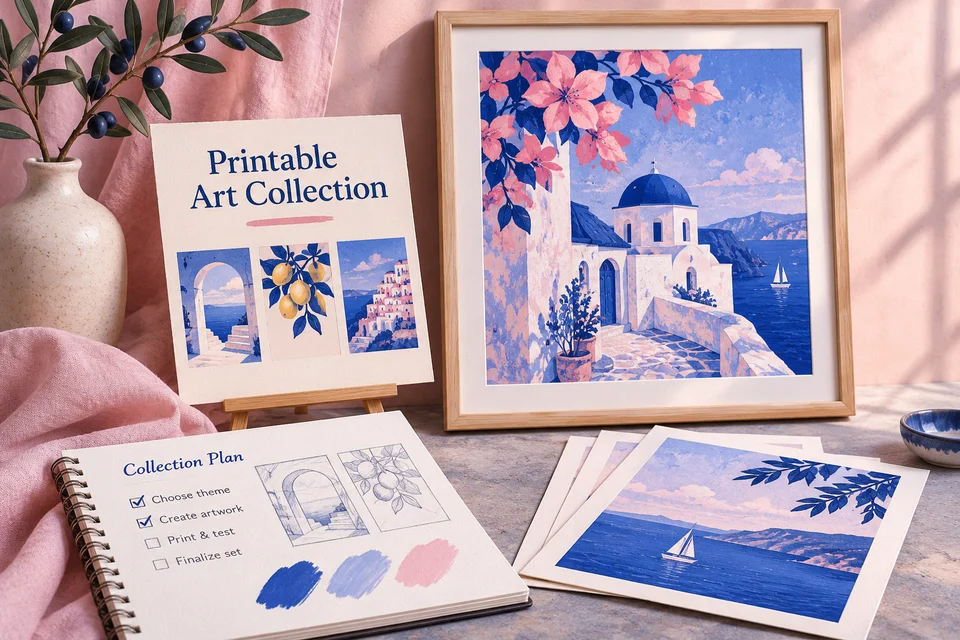
Choose a person and a setting: botanical art for a small kitchen, a quiet abstract for a reading corner, or an original drawing of a familiar landscape. A defined setting helps you choose proportion, contrast and detail. Start with one strong composition rather than promising a whole decor catalog.
Choose one wall-art concept and write the buyer’s intended use in a sentence. Make one file for one stated size and inspect a print before adding variants.
How to prepare this idea
In Design Studio, arrange the artwork and any text, then inspect each size or ratio you intend to offer. Keep the editable project separate from buyer files. A different aspect ratio can require a new crop or layout; a larger export does not recover detail missing from a small original.
Your listing should state the actual file type and dimensions, whether a background is included, and that the offer is a download. Printing and framing happen outside oddPOD. Check the intended print size before showing it in an illustrated room or frame.
A preparation workflow
Give unfinished or unused artwork a defined job
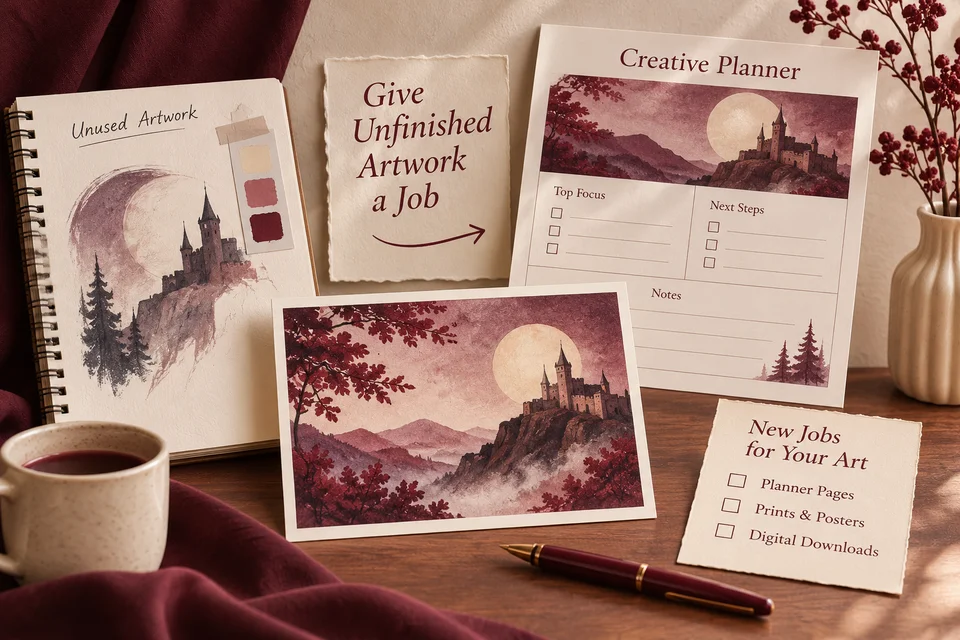
An old sketch can be the start of a product if it suits a buyer’s purpose. Review your own archive for a coherent subject, a usable original and work you still want associated with your name. A batch of unrelated leftovers is not automatically a compelling bundle.
Review five pieces you created and pick one that has both a clear use and an original file you can inspect.
How to prepare this idea
Bring selected artwork into Studio, refine the crop and remove distracting elements. Use a fresh composition to give the piece room to breathe. If the original lacks detail at the intended output size, choose a smaller use or remake the artwork rather than treating upscaling as proof of print quality.
Keep a record of the source and the changes. The commercial-use decision and any permissions remain yours to check. Sell the result as a finished design with a clear purpose, not as a promise that every old file can become a product.
A preparation workflow
Use editable vector artwork where it helps
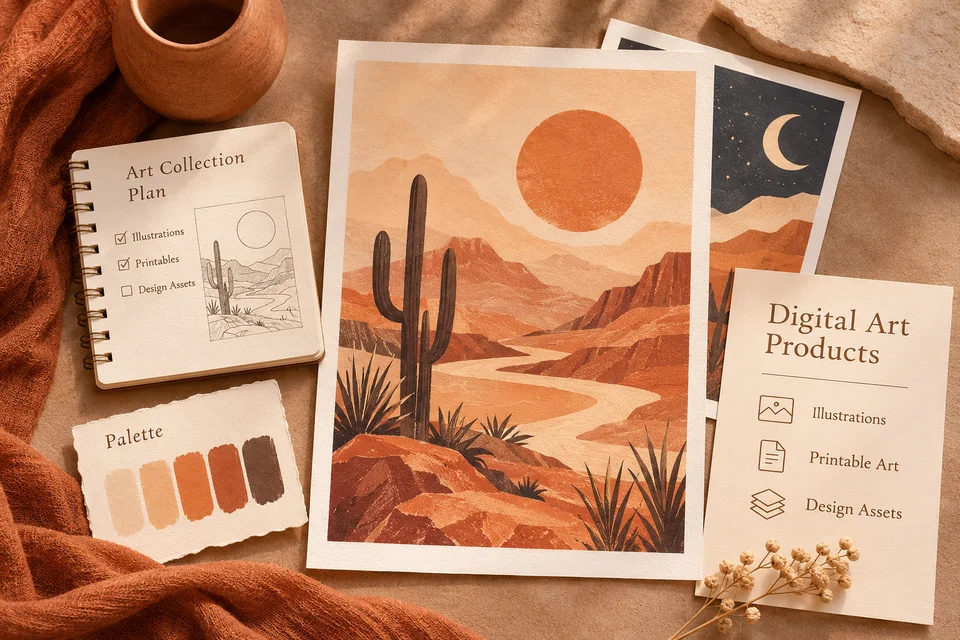
Flat-color artwork can benefit from editable shapes when you need to change a palette, simplify details or adjust a composition. oddPOD’s Trace can turn suitable images into vector layers, but complex images may be refused and a trace still needs inspection.
Try one simple, flat-color illustration and inspect the traced shapes at both editing scale and final viewing size.
How to prepare this idea
Work from a simple source, examine the edges and small islands, and compare the result with the intended visual. Keep the source available while you edit. The reason to trace is control over the artwork, not the assumption that vector output makes any image suitable for any use.
Distinguish your editable master from the download offer. The artwork-bundle workflow packages PNG designs and optional JPG copies; it does not make an automatic buyer-editable vector-template product. If you plan to sell another format, verify that specific export and delivery separately before promising it.
A collection-building workflow
Package a set that belongs together
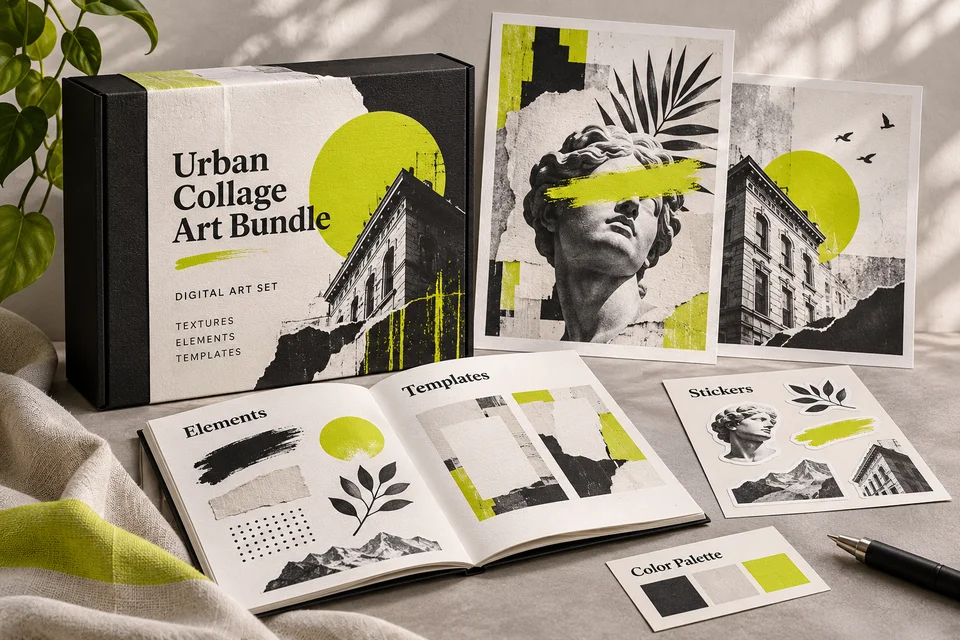
A bundle should solve a selection problem: matching artwork for a room, a sequence of related subjects, or a choice of compositions within one style. Give each piece a role. Three carefully coordinated designs can be easier to understand than a large folder with inconsistent formats.
Make a three-row contents list naming each artwork, its actual pixel dimensions and the format the buyer will receive.
How to prepare this idea
Group the designs in a digital product, name the bundle, choose your usage terms and decide whether optional JPG copies help the buyer. oddPOD keeps the PNG artwork at its source dimensions, adds buyer instructions and can prepare listing previews. Do not assume the package makes every design the same size.
Unzip the result and compare it with the listing. Check artwork count separately from total file count: three designs supplied in two formats are still three designs. Review the instructions, backgrounds and filenames before uploading through your shop.
A service to sell
Offer a bespoke typography commission
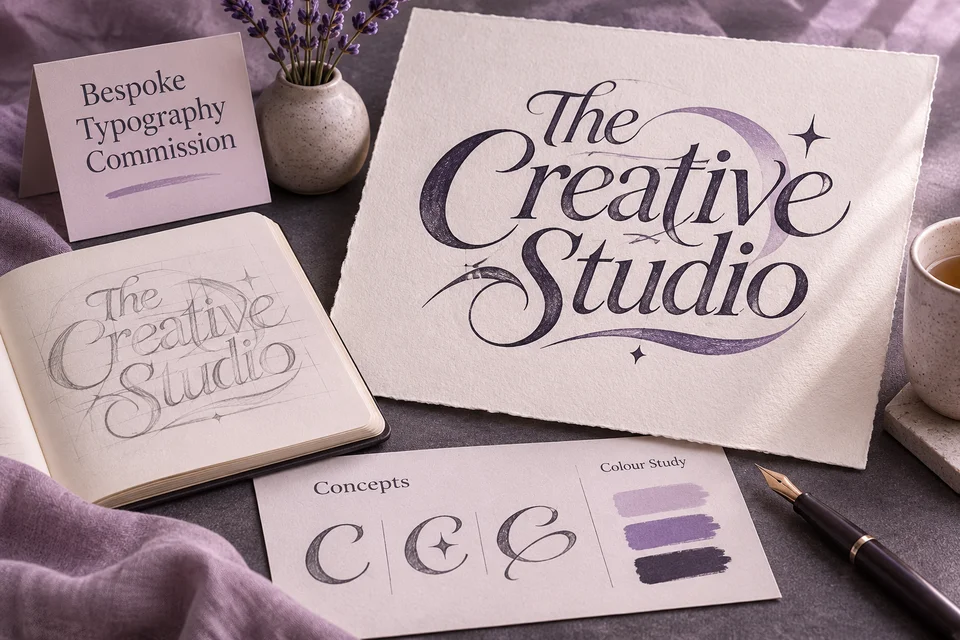
A buyer may want a particular name, phrase or dedication arranged as artwork. Your offer can be a defined design service: one composition, agreed output dimensions, one proof and a stated revision allowance. The buyer pays for your interpretation and attention, not just a text replacement.
Write a sample offer with the wording length, number of concepts, revision allowance and final file dimensions.
How to prepare this idea
Collect exact wording, intended use, visual references and approval from one person. Build with editable text and inspect spelling, line breaks and spacing in Studio. For another language, arrange fluent human review and verify the actual font and script in the final artwork.
Manage the brief, payment, approvals and final delivery through your agreed client process or shop. Manual editing in oddPOD is not an automated buyer-personalization flow. Define whether editable project material is included; a PNG or JPG delivery is not a font or editable template.
Quiet Herbarium: a three-piece art download
This fictional botanical set is an original editorial concept for a small reading corner. Its three stems share a warm-paper background and forest-green linework. The illustrations demonstrate a proposed collection, not an oddPOD export, physical print or customer result.
- Define the buyer and contents
Offer three coordinated botanical compositions, each intended as a portrait-format print. Choose a 4:5 layout for this example. A proposed 2400 × 3000 pixel original corresponds to 8 × 10 inches at 300 pixels per inch; that arithmetic describes a target, not a tested file or a guarantee of output quality.
- Build a consistent family
Use three original stems with different silhouettes. Keep border spacing, line weight and caption placement consistent. Give each composition its own artboard and compare the set at thumbnail size. A pale background should be an intentional part of the artwork rather than an accidental export setting.
- Prepare and inspect the designs
Export or select the final artwork at the intended dimensions, then open every file. Review edge quality, margins and any visible text. Print at the proposed size to judge detail and color before asserting that the package is ready for a buyer. A screen illustration cannot replace this check.
- Build the bundle
Create the digital product, select the three designs, enter the bundle and shop names, and supply the intended usage terms. Optional JPG copies can help a buyer who prefers that format. Inspect the generated instructions and previews, then unzip the complete package and reconcile it with your contents list.
- Explain the download in the shop
A useful draft title is “Quiet Herbarium: Three Botanical Art Downloads.” State the three actual designs, formats and dimensions, the intended print size and that no frame or physical item is included. Upload the final files through your shop, inspect the listing and only then record and confirm its real purchase link in oddPOD.
The delivery plan
What the finished work should include.
- Three distinct, reviewed artwork files; optional format copies identified separately.
- A contents list with actual filenames, pixel dimensions and backgrounds.
- Buyer instructions covering download, opening the package and intended print use.
- Listing images that show the real compositions without implying a physical delivery.
- The editable masters retained separately for corrections and future collection work.
A natural next offer is another related botanical set, but first use real questions about downloading, sizing and printing to improve this one. A buyer who cannot identify the correct file needs a clearer package before you need a larger catalog.
Make the file package as clear as the artwork.
The buyer sees the download, not your Studio project. Review it from that perspective: can someone tell what is included, choose the correct file and understand how to use it without asking you to reconstruct the workflow?
Allow for original artwork time, file preparation, sample printing, software, optional paid AI, selling costs and customer support when deciding whether an offer makes sense. A downloadable product avoids shipping a physical item yourself, but it still creates work and responsibility.
- Open the actual files and compare them to the advertised contents; do not write dimensions from memory.
- Inspect each crop or ratio separately. A portrait and a square composition are different layout decisions.
- Use filenames a buyer can recognize. Keep source projects and internal drafts out of the delivery folder.
- Check the shop’s current formats, upload limits and delivery steps before publishing.
- Keep artwork count, file count and optional format copies distinct in listing copy.
- After correcting a file, update the package and the listing attachment in the destination shop.
Further reading and destination guidance.
If Etsy is your chosen shop, use its current instructions to check the digital listing type, file attachments and delivery process. Etsy’s digital-listing instructions →
Your questions, answered.
Can I start with artwork I already have?
Yes, if the original suits the intended use and you can use it commercially. Inspect its detail at the proposed output size, refine the composition and define a clear buyer. The guide’s archive workflow helps you choose a piece; it does not establish demand or clear third-party rights.
Does oddPOD turn every file into a high-resolution print?
No. Artwork bundles retain the source dimensions of PNG designs. A larger canvas or a resolution label does not restore missing detail. Start with suitable artwork and inspect an actual print before making quality or size claims.
Do buyers receive an editable template?
Only promise what you actually deliver. A PNG or JPG bundle is a set of image files, not a buyer-editable Studio project or automated template service. Keep editable masters for your own workflow unless you have separately verified and agreed a suitable handoff.
Where do the sales and downloads happen?
You upload and publish the final files through your chosen shop. oddPOD prepares the artwork package and lets you record the purchase link; it does not automatically create the storefront listing or operate the checkout.
Should I sell one artwork or a bundle?
Use one artwork when the buyer wants a specific composition. Use a bundle when the pieces solve a shared problem, such as a coordinated display. Start with the clearer offer and test it; file quantity alone does not establish value.