Work for clients
Create printables for businesses.
Rental hosts need welcome books, cafés need menus, small teams need onboarding sheets. Turn a client’s repeated need into a clear, well-designed printable they can reuse.
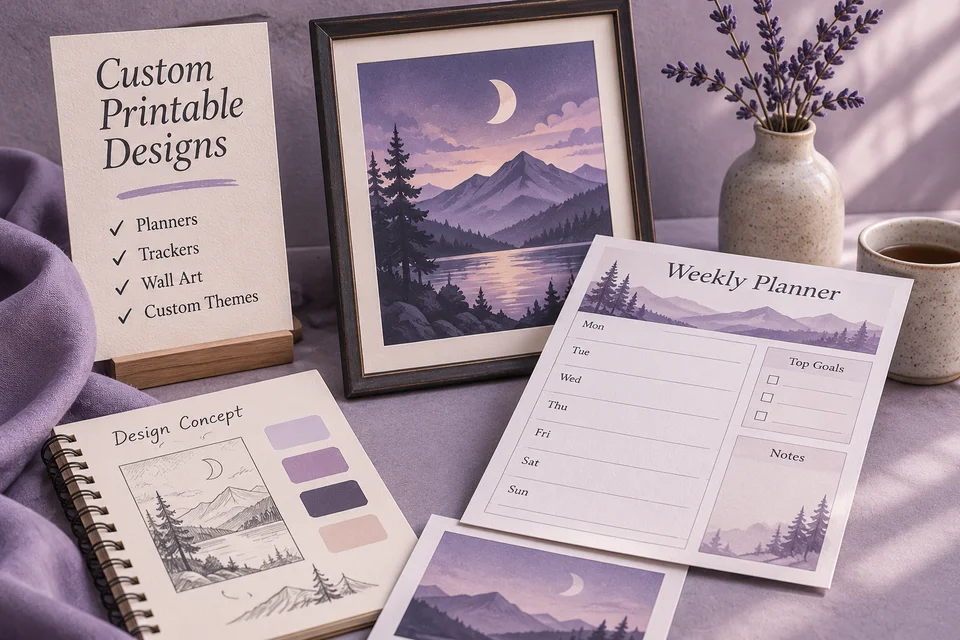
What you end up with.
- A designed printable
- In the client’s brand
- A print-ready PDF
- Checked before handoff
- Editable source pages
- For your future updates
How to do it in oddPOD.
Each step names the tool it uses.
Plan
Decide who it’s for and what you’ll make.
Create
Design the artwork, pages and products.
Prepare
Get every product ready to list.
Launch
Hand off to your shop and tell people.
Handled outside oddPOD: your agreement with the client: scope, revisions, price and usage rights; payment and invoicing; printing or ordering, through the client’s chosen provider or yours.
Where to begin.
Starting points, not promises. Pick one you can reach and make it well.
Guest welcome books
Rental hosts and B&Bs
Menus and price lists
Cafés, salons, studios
Onboarding sheets
Small teams and volunteers
Questions.
All questionsWho updates the printable later?
You keep the editable source in Studio, so updates can be a repeat service.
More you can make.

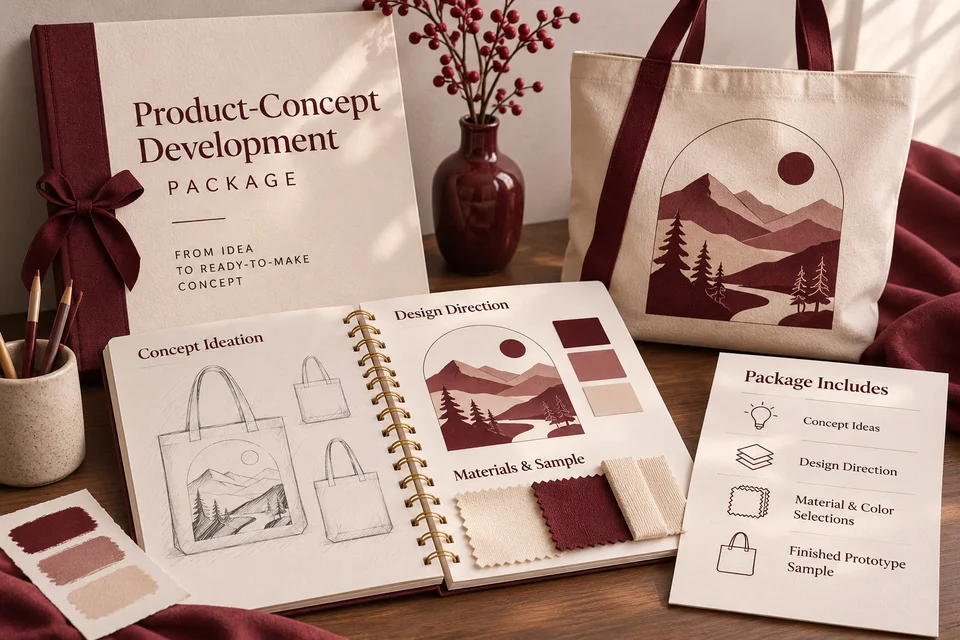
Make your first printables for businesses.
Start with an idea, a design you already have, or a client brief. oddPOD helps with everything after.