Digital Downloads
Digital downloads, packaged properly.
Package artwork into bundles with source files, optional JPG copies and buyer instructions, or export printable PDFs. Then upload them to your shop and record where buyers purchase.
What it does.
Artwork bundles.
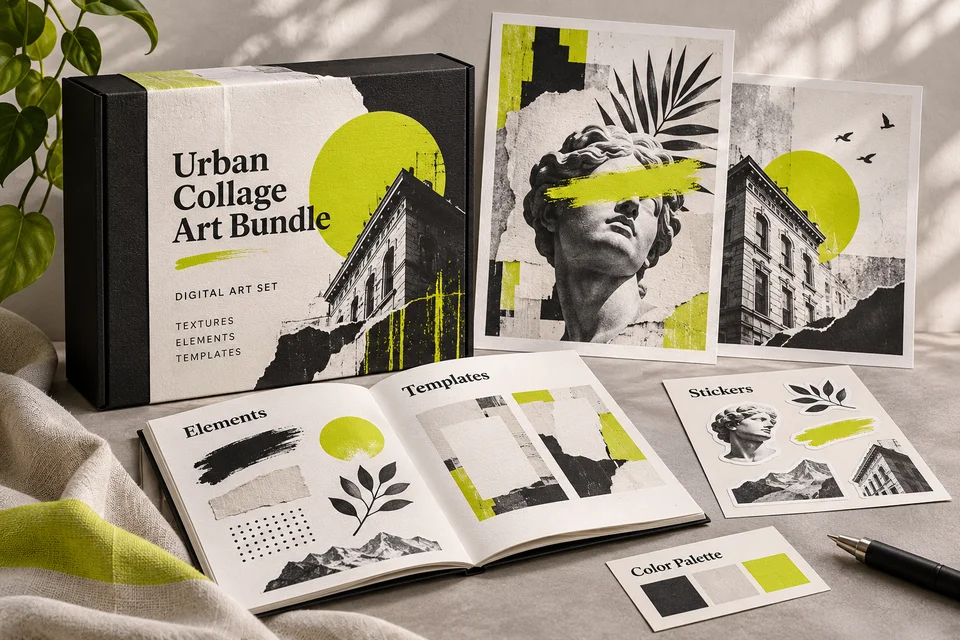
Select the designs, enter the shop name and usage terms, and add optional JPG copies. The package includes buyer instructions and can provide listing previews.
- Source PNGs
- Optional JPGs
- Buyer instructions
Printable PDFs.
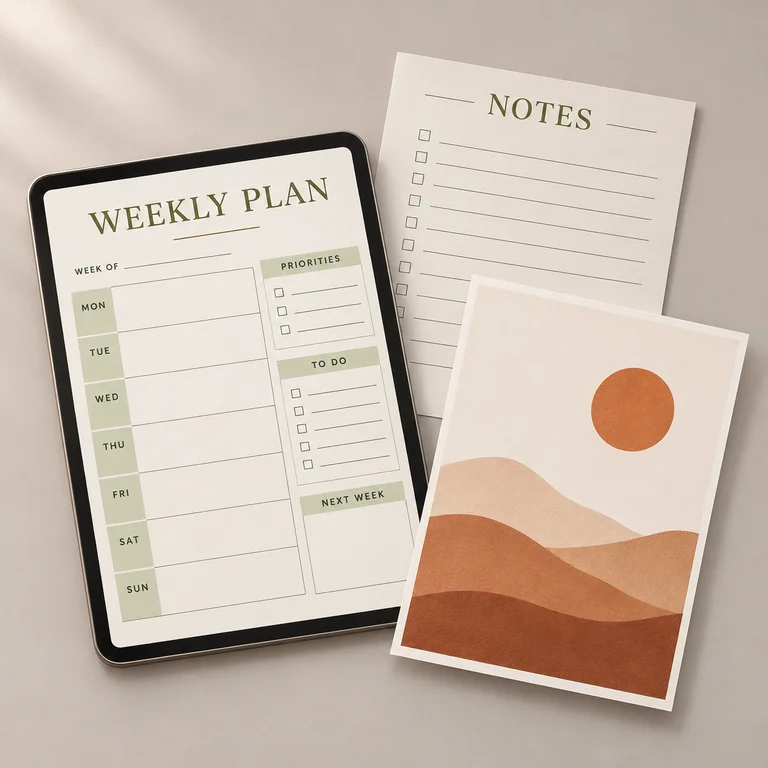
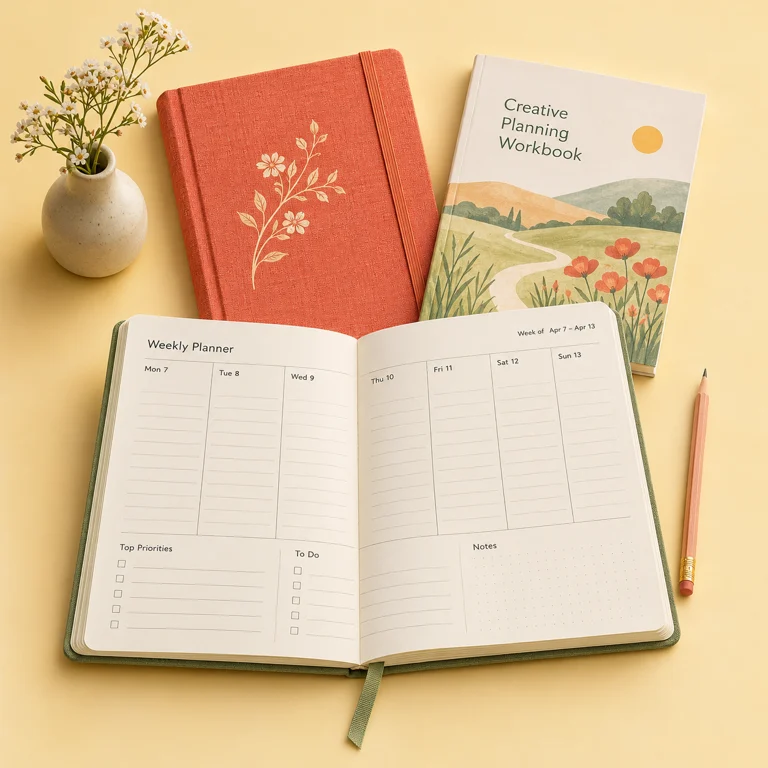
Planners, journals and worksheets export as print-ready PDFs from the printables workflow, with a warning when a design changes after export.
- Print-ready PDF
- Page checks
- Update warnings
Where buyers purchase it.
Choose Etsy, another storefront or your website, save the link, and confirm it’s live only after checking buyers can actually purchase.
- Etsy or your store
- Purchase link
- Confirmed live
How it works.
Make the artwork or pages
In Studio or the printables workflow.
Build the package
Bundle or PDF, with instructions.
Check every file
Unzip, open and inspect formats and dimensions.
Upload and record
Publish in your shop, save the purchase link.
Exporting doesn’t publish anything. You upload files to your shop, and only you confirm a listing is live.
How it fits.
Hand off to your shop and tell people.
Launch
What you can make with it.
Questions.
All questionsWhat goes into an artwork bundle?
Source PNG artwork at its original dimensions, optional JPG copies, buyer instructions with your usage terms, and optional listing previews.
Does oddPOD deliver files to buyers?
No. Your shop delivers the files. oddPOD prepares them and records where they’re sold.
Is there a file size limit?
The PDF workflow shows an Etsy-oriented 20 MB note. Check your own shop’s current limits.
Try Digital Downloads on your next idea.
Start with an idea, a design you already have, or a client brief. oddPOD helps with everything after.