Campaigns
Launch a product with a plan, not a panic.
Pick a product and work through Plan, Create and Review: choose post ideas, prepare images and copy from the product itself, and check each post’s destination and time before it’s scheduled.
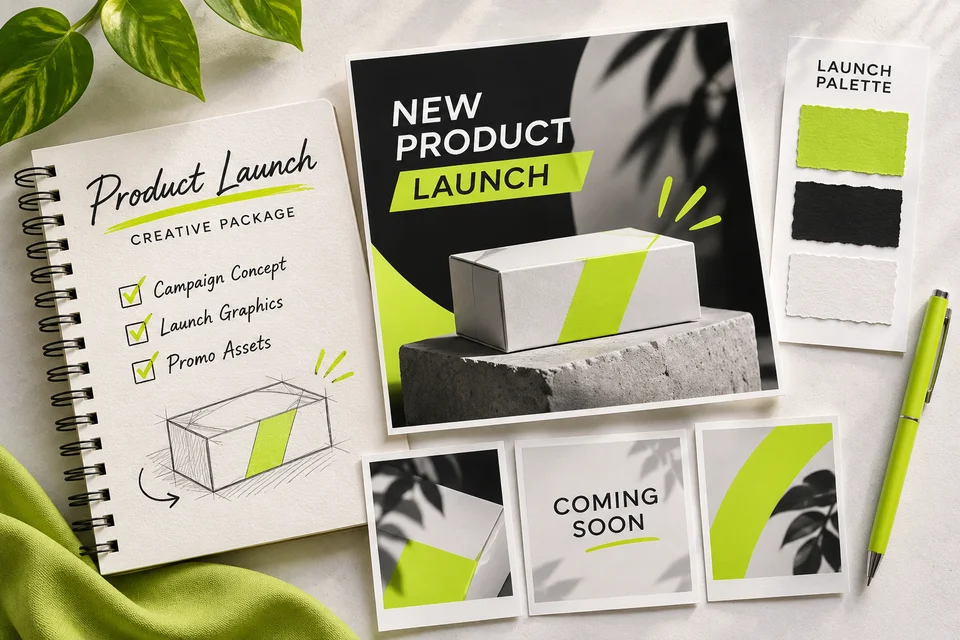
What it does.
Plan the posts.
Choose a product, complete setup, and pick the post ideas worth making. Saved campaigns can be reopened later.
- Post ideas
- Setup
- Saved campaigns
Create the content.
Prepare images and copy for each post, drawing on the product’s mockups, listing and brand.
- Images
- Captions
- On-brand
Review before it goes.
Check every post’s destination and time. Scheduling needs the relevant connected account.
- Destinations
- Times
- Your confirmation
How it works.
Choose a product
Open Social → Campaigns.
Plan
Pick post ideas.
Create
Prepare images and copy.
Review
Check destinations and times, then schedule.
AI help in campaigns uses credits. Nothing is scheduled until you review it.
How it fits.
Hand off to your shop and tell people.
Launch
What you can make with it.



Questions.
All questionsDo I need connected accounts to plan?
No. Planning can start before you connect accounts; scheduling needs the relevant connection.
Can I reopen a campaign?
Yes. Saved campaigns can be reopened.
Does it guarantee reach or sales?
No. Campaigns organize your promotion. Results depend on your audience, product and platforms.
Try Campaigns on your next idea.
Start with an idea, a design you already have, or a client brief. oddPOD helps with everything after.