Printables
Printable planners and journals, designed page by page.
Start with a brief about the buyer and what they need. Plan the pages, design repeating layouts on editable artboards, and export a print-ready PDF that looks designed, not generated.
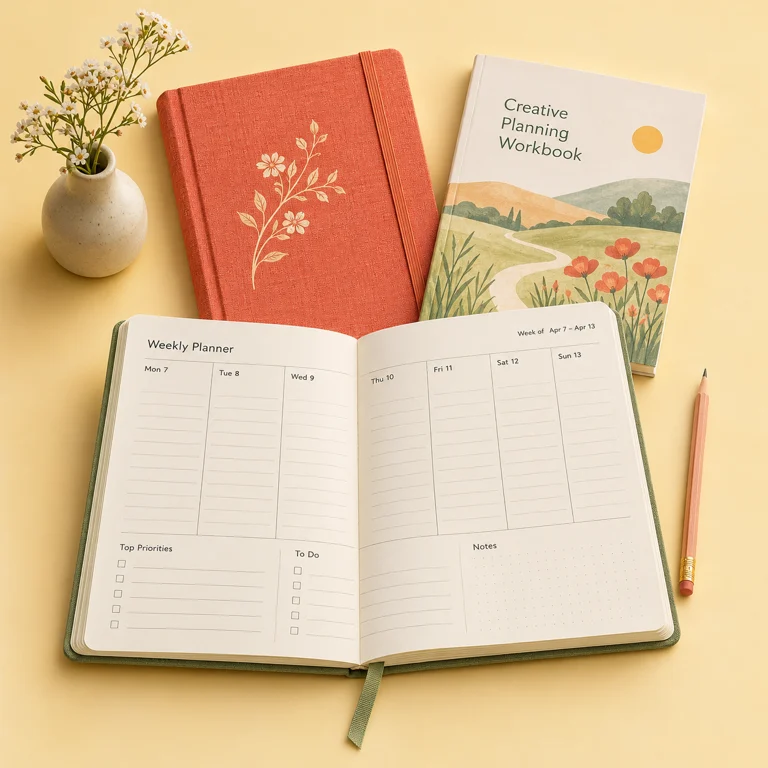
What it does.
A guided product brief.
Choose a template or describe your idea. Confirm the buyer, the need, the contents, the delivery format and whether it’s reusable or customized.
- Templates or your idea
- Buyer and need
- Page size and direction
Page plans with checks.
Make a page plan and inspect its checks. Repeating page designs create many related pages, like a daily log repeated through a 90-day journal.
- Page plan
- Repeating designs
- Built-in checks
Editable pages, then a PDF.
Build in Studio and review every artboard: text, lines and tables stay editable. Export the PDF; if you change the design later, oddPOD tells you the download needs updating.
- Editable artboards
- PDF export
- Stale-download warning
How it works.
Describe the product
Template or idea; buyer, need and format.
Plan the pages
Page plan with repeating designs and checks.
Build in Studio
Review and edit every page.
Export and check
Open the PDF, check pages and margins, print a sample.
Printable PDFs are for printing and filling in by hand; they aren’t fillable forms. The 20 MB note is Etsy-oriented, so check your own shop’s limits.
How it fits.
Design the artwork, pages and products.
Create
What you can make with it.
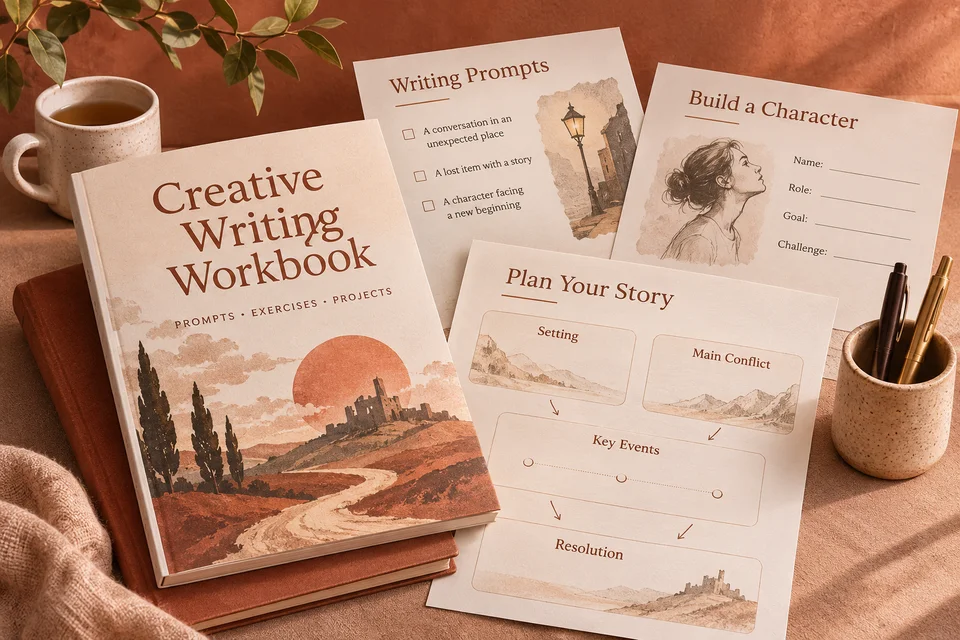
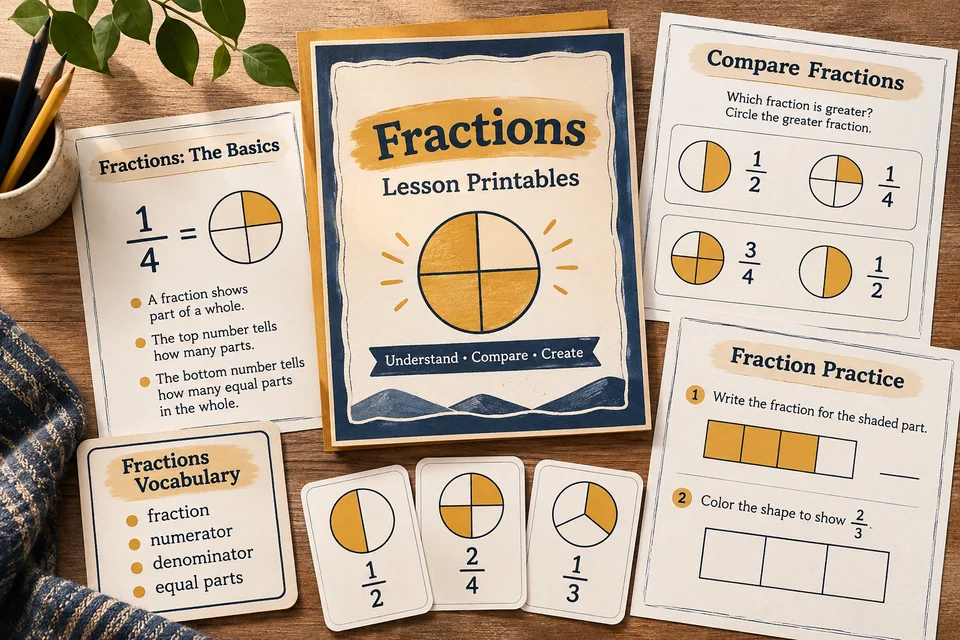
Questions.
All questionsWhat can I make?
Page-based products to print: planners, journals, worksheets, workbooks, logs and similar.
Are the PDFs fillable?
No. They’re designed for printing and filling in by hand. Selecting an editable-product idea doesn’t automatically create a fillable or editable template.
Do I need AI?
Planning help can use AI credits. You can also design every page yourself in Studio.
What if I change a page after exporting?
oddPOD shows Your download needs updating. Export again and replace the file in your shop.
Does oddPOD sell the PDF for me?
No. You upload the file to your own shop and record where buyers purchase it.
Try Printables on your next idea.
Start with an idea, a design you already have, or a client brief. oddPOD helps with everything after.