Business and client products turn approved information into a useful finished asset: a welcome book, onboarding pack, catalog, pitch book or product insert. Use oddPOD to organize the creative brief, build editable layouts and prepare reviewed final files. Start with a business process you understand, a named content owner and a specific delivery format.
A business may have the information it needs scattered across emails, documents and old artwork. Your opportunity is to shape it into something a guest, customer, employee or buyer can actually use. The value lies in the clarity of the finished piece and the reliability of the handoff.
This guide is about the deliverables themselves. The creative services guide explains how to package your time and scope. Here, choose the document or product that solves a client’s repeated need, then agree on the input, review and update process that keeps it useful.
Choose a deliverable with a clear reader.
The same design tools can support very different jobs. Define who reads the piece and what they should be able to do next.
On a small screen, scroll the table sideways to compare the details.
| Deliverable | Reader | Purpose | Content owner |
|---|---|---|---|
| Welcome or onboarding pack | Guest, customer or new team member | Understand the next step | Host or responsible business contact |
| Operational record | Person doing a recurring task | Record and retrieve information | Person responsible for the process |
| Catalog or pitch book | Prospective buyer or partner | Evaluate a defined offer | Seller or artwork owner |
| Packaging insert | Person receiving a product | Use the product or find support | Product owner |
Eleven client deliverables with a practical purpose.
Pick an industry you can understand and a document the client already needs. A narrow first project makes it easier to collect accurate inputs and define completion.
Help a guest find the right answer
A vacation-rental welcome book
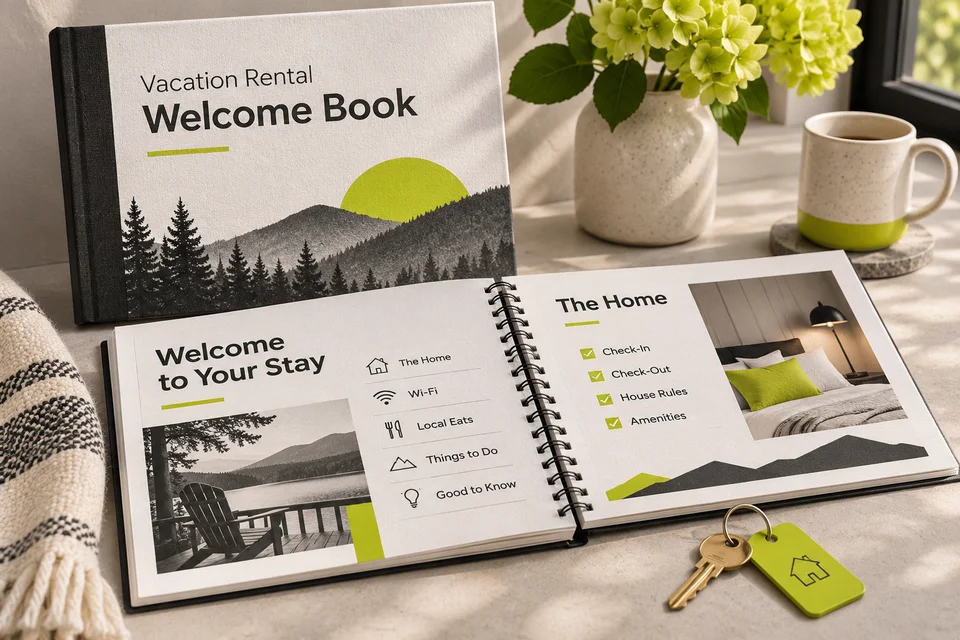
A rental host can commission a readable guide to the property: how to find everyday items, use the supplied appliances and contact the host. Build around actual guest questions rather than a long promotional introduction.
Ask the host for their five most repeated guest questions and the approved answer to each.
How to prepare this idea
Have the host supply and approve all property-specific information. Use Studio to organize short sections, clear headings and appropriate photographs. Verify the final PDF against the current property and the host’s chosen guest-information channels. A designed book does not update itself when a code, appliance or instruction changes.
A considered welcome to a new home
A personalized real-estate closing gift

An agent might commission an original home illustration, a personalized welcome booklet or a neighborhood notes collection. Define a specific gift rather than a vague premium package. A digital artwork file and a physically framed gift require different delivery arrangements.
Create one fictional gift sample and specify whether the client receives final files or a separately arranged physical item.
How to prepare this idea
Collect customer-approved names, photographs and wording, and verify any local recommendations with the client before publication. Prepare the artwork and layouts in Studio. If a print, frame or other physical item is included, select the supplier and review a proof separately; oddPOD does not imply fulfillment for every gift format.
Make a handoff easier to record
An equipment checkout and return kit
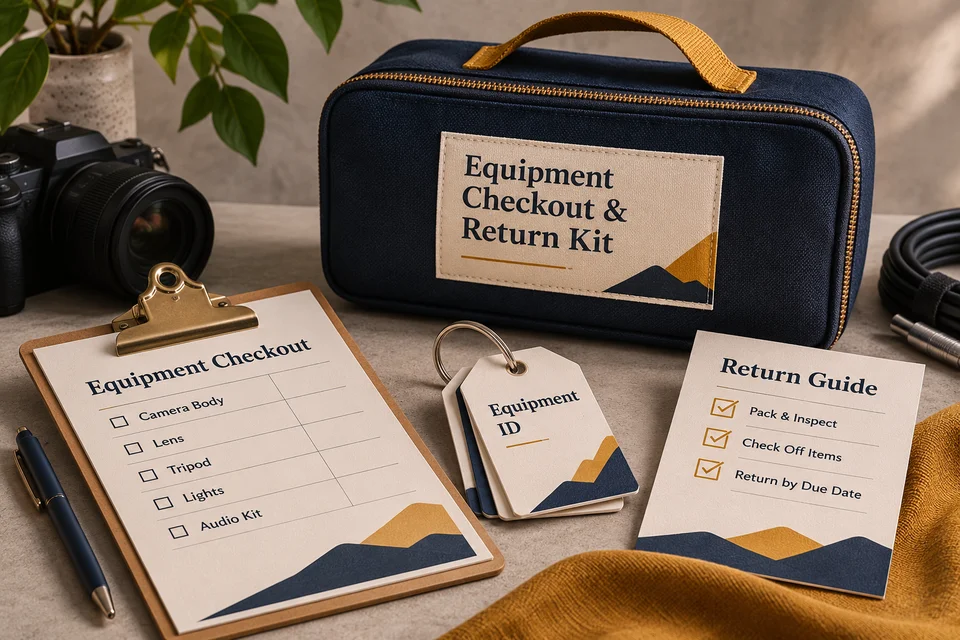
A workshop, creative studio or community group may need a paper record of which item left, who received it and what was returned. Pair a checkout sheet with an item-condition note and a return checklist. Use the client’s real identifiers so records remain findable.
Follow one real checkout and return, then draft only the fields needed to understand that handoff.
How to prepare this idea
Walk through the actual process with its owner before designing the fields. The PDF is a manual record, not an inventory database, booking system or automatic reminder service. Any policy or agreement language should come from the client’s approved process rather than be invented as part of the design.
Prepare the stall and record the day
A craft-market seller kit
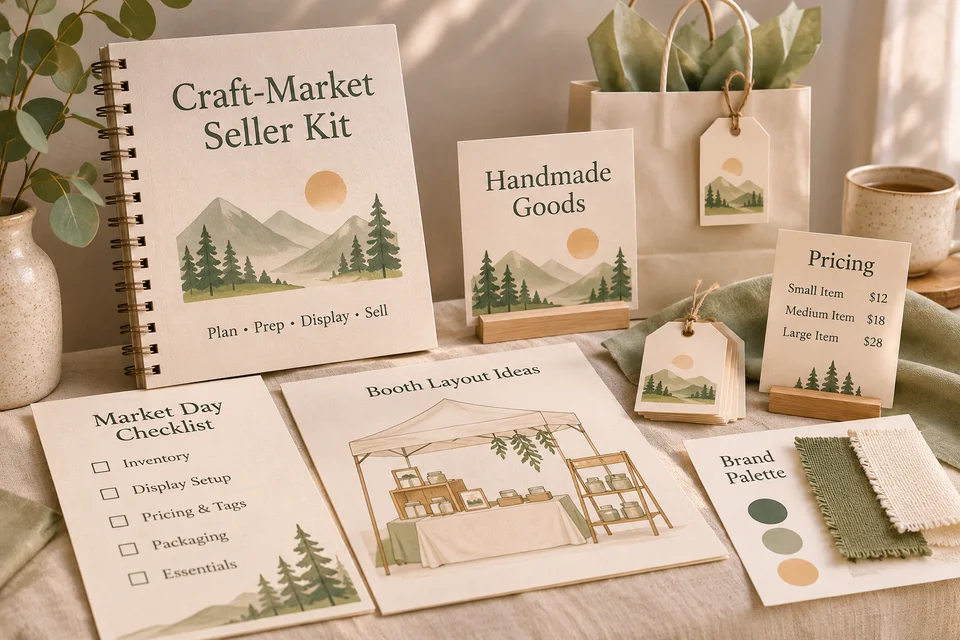
A reusable kit can combine a packing list, stall layout planner, stock count and post-market review. A custom version can include approved product labels or price-card artwork. State which pieces are planning pages and which are customer-facing displays.
Build a pack for one table-sized stall and check it against the actual items needed from arrival to pack-down.
How to prepare this idea
Test the pack with a realistic assortment, including restocking and end-of-day counting. Let the seller supply prices and venue-specific requirements. The PDF can record results but does not process payments, calculate tax or sync inventory. Keep those systems in the seller’s established workflow.
Keep observations beside the item record
A vintage-sourcing field journal
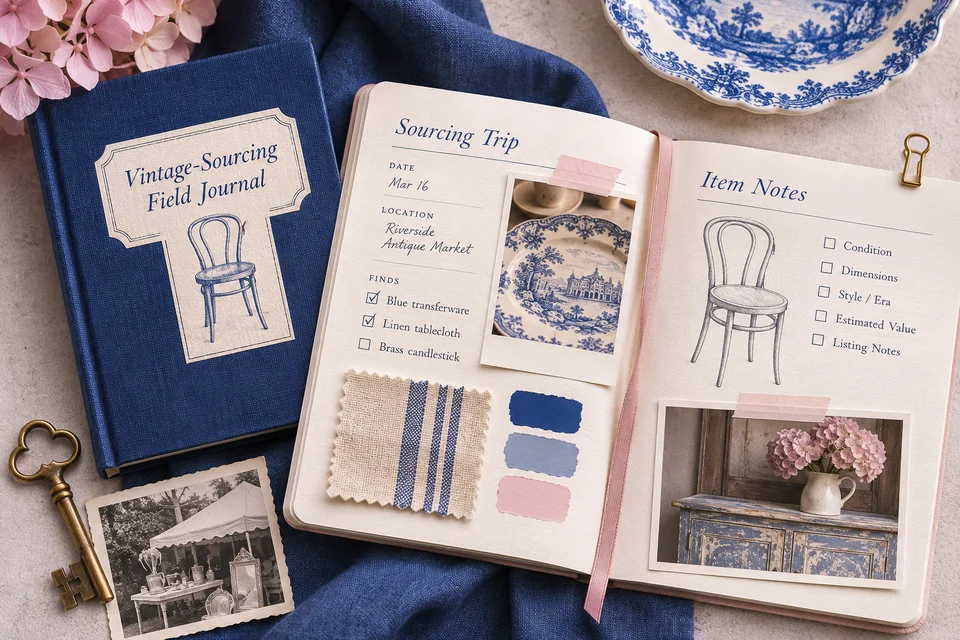
A reseller may want a portable record of where an item was found, its visible condition, dimensions, purchase cost and research still needed. Organize pages so the item can be matched to later photographs and listing work.
Document three sample items and see whether someone can connect each paper entry to the correct photograph.
How to prepare this idea
Design around a simple item ID and enough space for useful notes. A journal records what the buyer observes; it does not authenticate an item, determine its value or guarantee resale demand. If you include example entries, clearly label them as invented and avoid presenting estimates as actual market data.
Explain what happens next
Branded onboarding materials
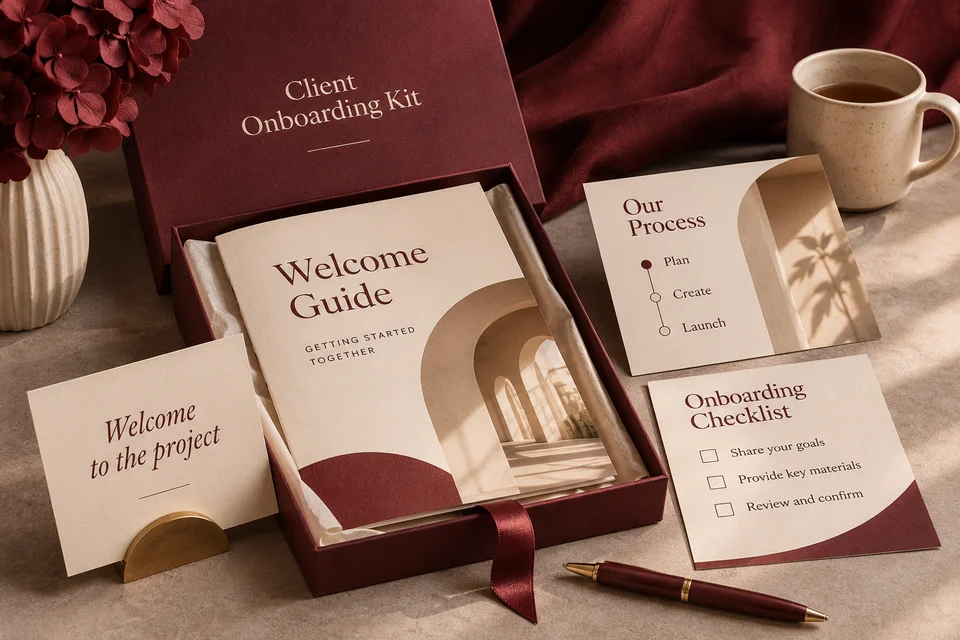
A service business might need a new-client welcome pack; a team might need an orientation booklet using approved internal content. Identify the exact reader and the first actions they need to take. A concise sequence can be more useful than a large brand presentation.
Ask the client to list the first three things a new reader must understand or do, then build the page outline around them.
How to prepare this idea
Collect the organization’s approved process, contacts and policies. Build a clear page hierarchy in Studio and have the relevant owner check the final wording. The deliverable is a document or printable pack, not an employee-management platform, signing workflow or compliance certification.
Make the assortment easy to evaluate
A wholesale presentation catalog
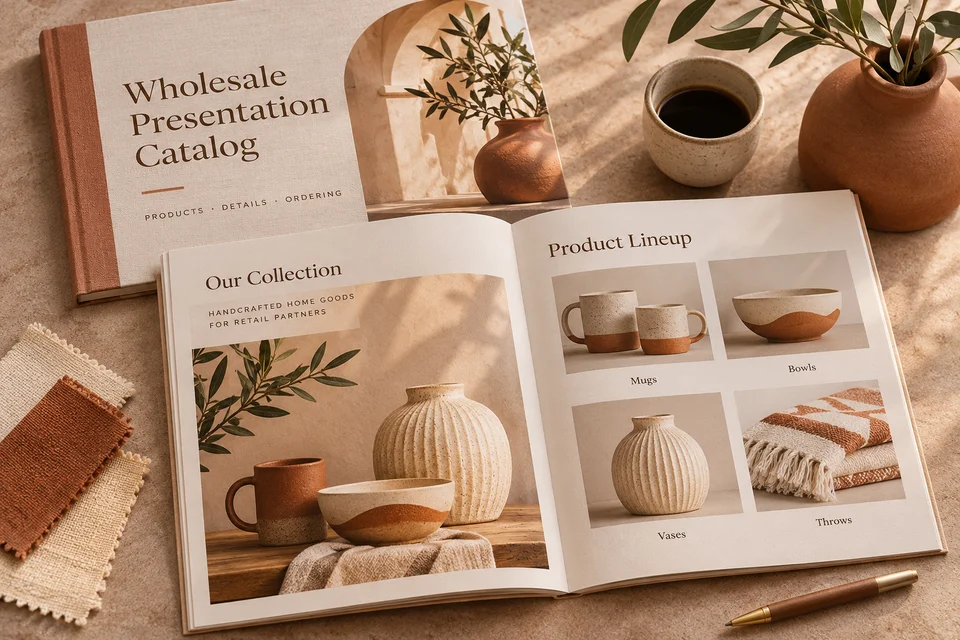
A maker can commission a compact catalog showing the actual assortment, product identifiers, dimensions and ordering contact. A line-sheet-style layout can help a buyer compare items consistently. Decide which information belongs on each product panel before expanding the catalog.
Lay out three real products using the same fields and ask the seller whether a buyer can understand the differences without additional explanation.
How to prepare this idea
Use client-approved photography or accurate product presentations and have the seller verify every commercial detail included. Date the catalog and identify who updates it when the assortment or terms change. A PDF is a presentation asset, not live stock availability or an order-management system.
Present a coherent body of original work
An art-licensing pitch book
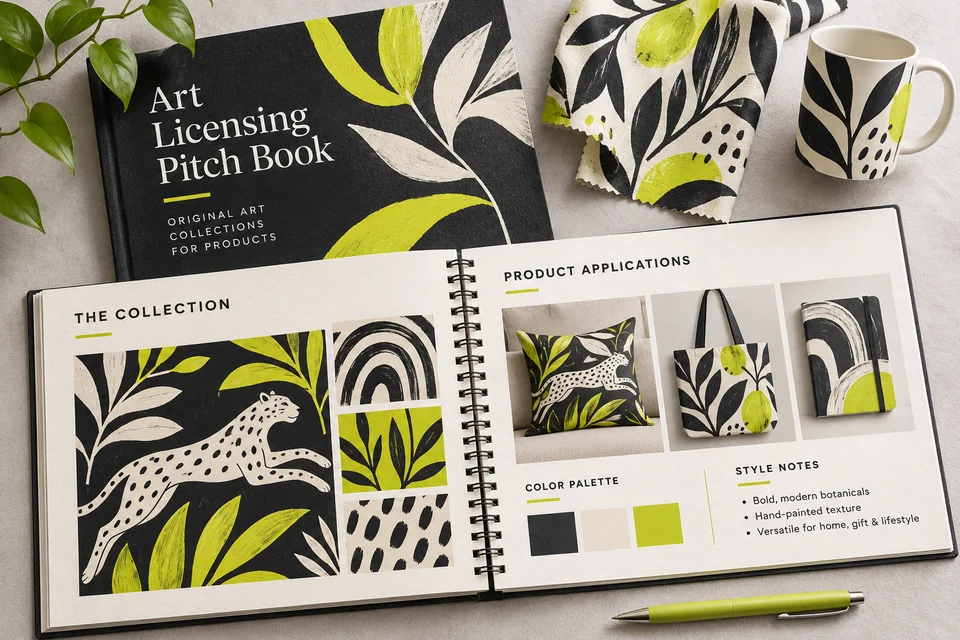
An artist can use a concise portfolio to show related artworks, color directions and possible applications to a prospective licensing partner. Your service might include selecting the presentation sequence, arranging approved artwork and preparing the final PDF.
Choose a small coherent collection and create one spread that shows the artwork clearly before adding application concepts.
How to prepare this idea
Label product applications as concepts unless they are real manufactured examples. Have the artist confirm which works are available for discussion and what contact details to use. The book supports a conversation; it does not create a license, establish exclusivity or guarantee a deal.
Design a defined collection for another brand
A private-label creative package
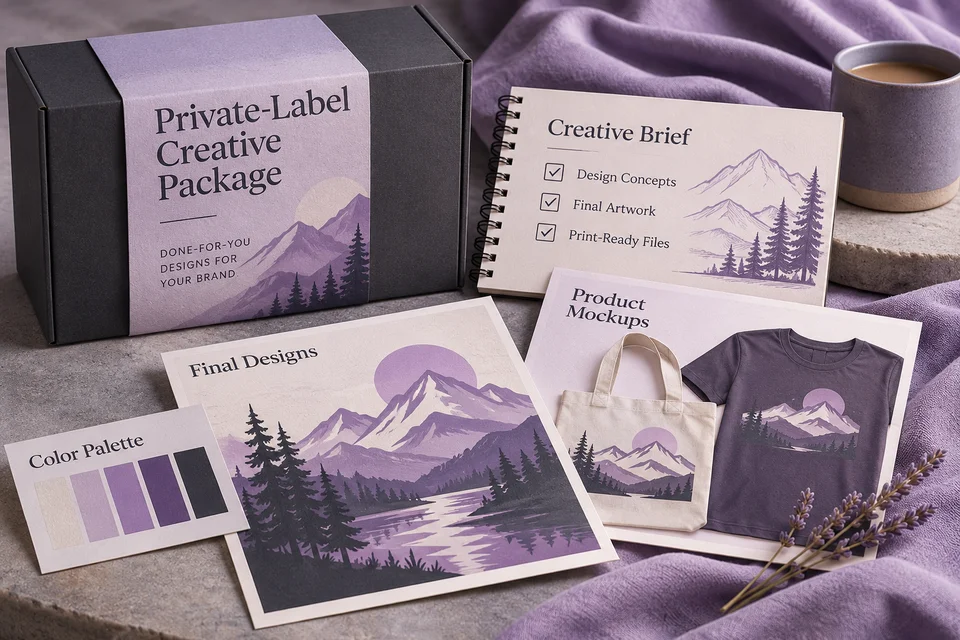
A business may commission original artwork and layouts to sell under its own brand. Define the collection, final formats and revision allowance, and agree on the intended usage and ownership arrangements separately. A brand-ready file package is different from manufacturing a private-label product line.
Write a deliverable list for one small collection, including the exact formats, approved uses and files that will be handed over.
How to prepare this idea
Build the approved visual system in Studio and prepare the specified product files and presentations. Record the source of every included asset. If physical production or packaging is involved, use the actual supplier’s requirements and a separate proofing process; do not imply oddPOD manufactures every product shown.
Keep the useful instructions with the product
Product-care and use inserts

A maker or seller may need a compact card explaining approved care, setup or support information. Good hierarchy helps a customer find the essential instruction before the branding. Match the card to the actual product and packaging dimensions.
Ask for the approved product instructions and packaging dimensions, then make a readable one-card proof.
How to prepare this idea
Get the care wording and any symbols approved by the product owner or relevant supplier. You are designing the communication, not inventing handling instructions. Review a print at final size and verify any included links. Printing and insertion into shipped orders remain with the agreed supplier or fulfillment process.
Finish the purchase with a clear next step
A packaging thank-you collection

Create coordinated thank-you cards, maker-story inserts or support cards for a small brand. Give each piece a purpose: a short message, where to find help or an explanation of the product’s origin. Avoid stuffing every card with several unrelated requests.
Choose one message and one useful next step for the recipient, then remove anything that competes with them.
How to prepare this idea
Use the brand’s approved voice and confirm all destinations and offer details. Check the chosen printer’s size, margins and finishing requirements before delivering files. A digital card design does not mean a POD provider will place it in every shipment; the client must confirm the physical insertion arrangement separately.
Cedar Stay: a clear guest welcome book
Cedar Stay is a fictional rental client. This editorial concept shows the structure of a five-page welcome book without inventing property instructions, access codes or guest results.
to Cedar
Stay.YOUR GUIDE TO THE EVERYDAY
- Collect verified source information
Ask the host for recurring guest questions, approved property photographs and current instructions. Identify the person who will approve every factual statement. Mark missing information in the working brief and resolve it before the final export.
- Plan five page roles
Outline a welcome and contents page, an everyday essentials page, an appliance-use page, a local-notes page and a host-contact/departure page. The host supplies and approves the actual information. Keep frequently needed answers easy to find rather than burying them in introductory copy.
- Build a readable layout
Create editable Studio artboards with consistent headings and short sections. Use property-specific images only after approval. Test the text size for the intended printed booklet or page pack; a decorative cover should not consume the space needed for useful instructions.
- Proof in the real property
Have the host walk through the book at the property, verifying each instruction against the actual appliance, location and current process. Print the PDF and check reading order and legibility. Agree on any corrections, then export and inspect the final version.
- Hand off a maintainable document
Deliver the reviewed PDF, a file manifest and an agreed version date. State who retains the editable master and how updates are requested. The host places the book in the property or their chosen guest-information channel and remains responsible for keeping its facts current.
The delivery plan
What the finished work should include.
- An approved content brief with one responsible host contact.
- Five coherent page layouts with verified property information.
- A print-checked final PDF and representative approved previews.
- A file manifest identifying the final version and editable-master arrangement.
- A defined update process for changing property details.
A follow-on project might adapt the structure for another property. Treat its facts as new inputs: shared branding can be reused, but directions, appliances and contact information still need an independent review.
Make the information as reliable as the layout.
A useful business document has a content owner, a reader and an update path. Price the actual work of collecting, organizing, designing, checking and revising the material. A client supplying unstructured content creates a different workload from one supplying a complete approved manuscript.
- Name the reader and the action the document supports.
- Confirm the page count, formats, inputs and revision allowance.
- Identify who approves factual, operational and product information.
- Use approved artwork and show conceptual applications as concepts.
- Review the final file in the setting and size where it will be used.
- Assign ownership of updates, printing, distribution and customer support.
Further reading and destination guidance.
An example of a host-owned guest-information channel. A separately designed welcome book must still be checked and maintained by its host. Airbnb: adding a house manual →
Your questions, answered.
What is the easiest first client product to offer?
Choose a small deliverable tied to a process you understand, such as a welcome sheet or a product insert using complete approved text. The best starting point depends on your skills and access to a client who can provide reliable inputs and feedback.
Does oddPOD provide a client approval or invoicing portal?
This workflow uses your agreed external process for client communication, approvals, contracts and billing. oddPOD supports the creative work and file preparation; do not include unverified account-sharing or client-portal features in the offer.
Will a catalog update automatically when products change?
No. Treat the delivered PDF as a specific version. Agree on who supplies changes, who revises the master and how the updated document replaces the previous one. Live inventory or ordering systems are separate.
Can I deliver the customer an editable template?
Specify and verify that separately. The workflow here produces final files from your editable Studio artboards. An editable customer template, fillable form or working spreadsheet is not implied by a PDF delivery.
Can I include physical packaging or printed books?
Yes, if you separately arrange the actual production and fulfillment. Confirm the supplier’s requirements, review a proof and state who orders and distributes the pieces. A design or provider connection does not establish support for every physical format.