Educational printables are most useful when they support a defined learner, task and teaching context. Use oddPOD to turn your own subject knowledge and reviewed content into structured worksheets, practice records or companion PDFs. Build one complete activity first, test its instructions and difficulty, and expand only when the pages work together.
A workbook is a sequence of decisions for the learner: what to do, what to record and how to tell when the task is complete. Attractive pages help, but the learning purpose should determine the layout. A crowded page can turn a simple exercise into a difficult one.
Your expertise, or a qualified collaborator’s review, supplies the educational substance. oddPOD supports the page planning and design. AI assistance can help draft material, but generated questions, translations and answers still need checking. A polished PDF does not establish curriculum alignment, age suitability or learning outcomes by itself.
Choose the learning job before the format.
A worksheet, practice log and course companion solve different problems. Choose the structure that fits how the material will actually be used.
On a small screen, scroll the table sideways to compare the details.
| Product | Learner’s action | Useful supporting page | Review before release |
|---|---|---|---|
| Focused activity | Complete one observation or exercise | Instructions and a model response | Clarity, difficulty and answer accuracy |
| Practice journal | Repeat and reflect over time | Goal and review sheet | Fit with the teacher’s actual process |
| Session companion | Apply a workshop or course lesson | Session map and next step | Matches the live or recorded teaching |
| Prompt collection | Create an original response | Examples and optional variations | Originality and achievable instructions |
Eleven ways to support a learning experience.
Choose a subject and learner you understand. These ideas are starting points for original, reviewed materials rather than prevalidated teaching resources.
Support one teaching objective
Classroom printables for a defined lesson
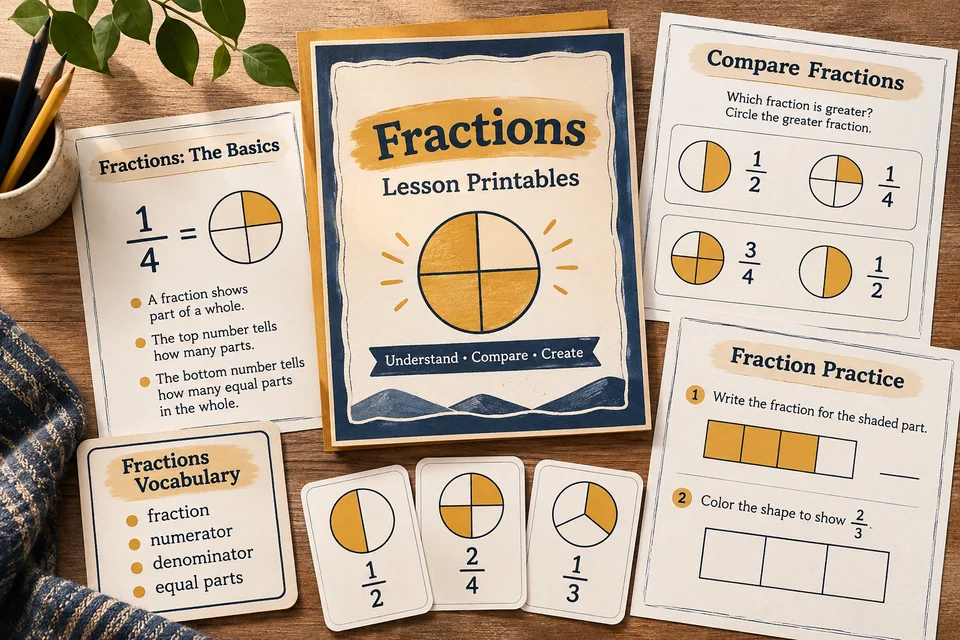
A teacher might need an observation sheet, a sorting activity or an exit reflection for a particular lesson. Design around that precise use. A single page that helps learners compare two objects can be more useful than a generic bundle of unrelated worksheets.
Write one sentence describing what the learner will do and what evidence will show they completed the task.
How to prepare this idea
Write the instructions, expected response and any answer guidance before decorating the page. Use Studio text, shapes and tables to create a clear reading order. Have a relevant educator review the language, difficulty and classroom use, then try the printed activity with appropriate supervision.
Connect a lesson to the next practice session
A music-practice workbook
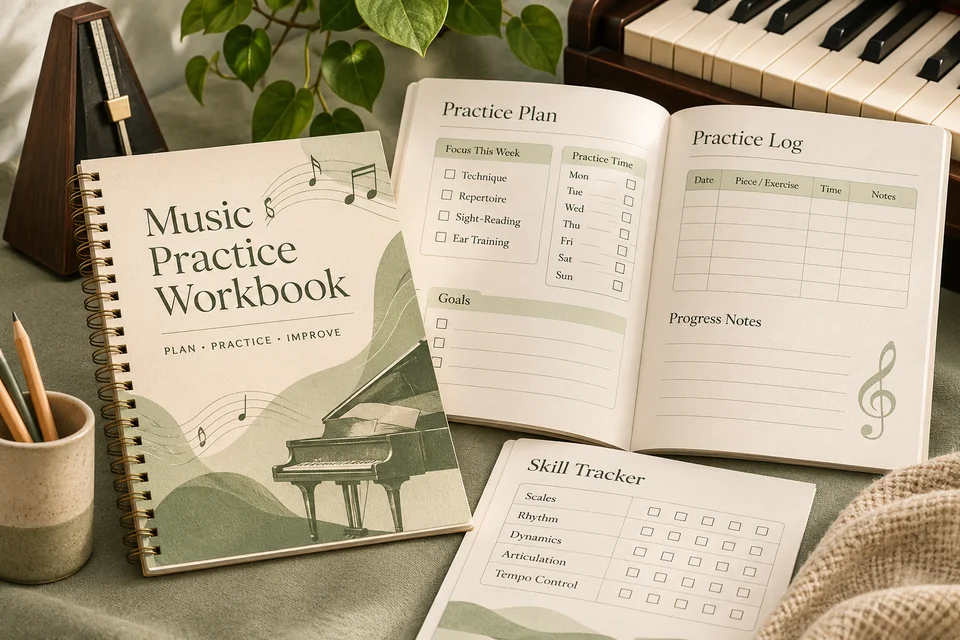
Build pages for a teacher-set goal, practice notes, a difficult passage to revisit and a short reflection. The buyer might be an independent music teacher who wants a consistent companion for students. A custom version can use the teacher’s approved terminology and routine.
Ask a music teacher to annotate a draft weekly practice page and identify the fields they would actually discuss in a lesson.
How to prepare this idea
Keep the workbook’s role clear: it records and structures practice rather than supplying unreviewed instruction. Use original material or appropriately authorized excerpts if musical notation is included. Test whether the student can complete the log quickly enough that it supports practice instead of replacing it.
Record useful language in context
A language-learning journal
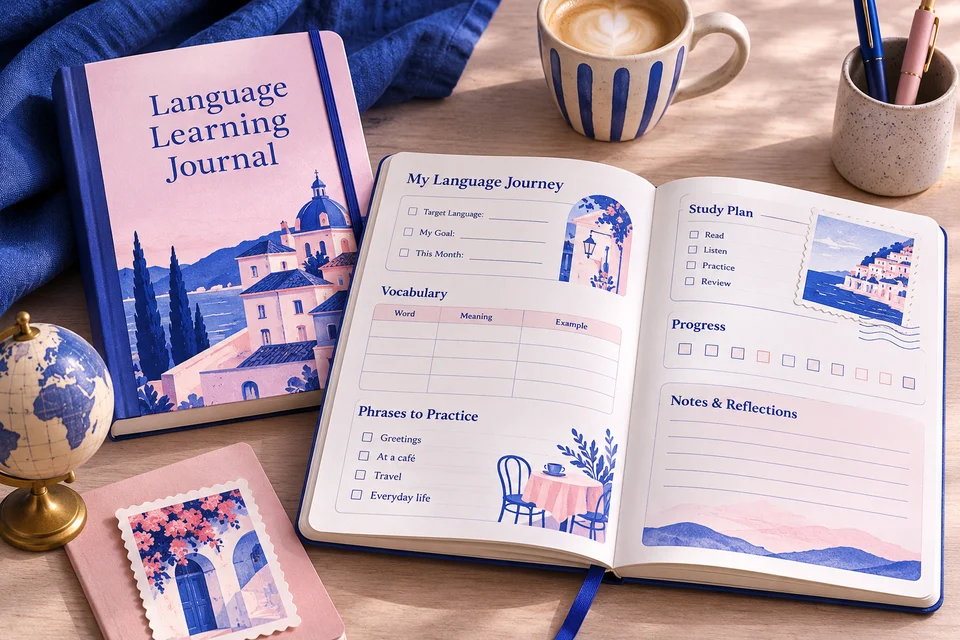
Offer pages for a new expression, its context, an original example and a later review. A travel-language journal might organize entries around situations; a tutor’s companion might follow lesson topics. The organizing choice should be explicit in the product description.
Create one sample entry and ask a qualified language reviewer to check both the wording and the space needed for a learner’s response.
How to prepare this idea
Have a fluent reviewer check any supplied translations or model sentences. Test the actual script, font rendering and line spacing in the exported PDF. A printable journal does not provide pronunciation scoring, spaced-repetition automation or verified translation simply because it includes vocabulary fields.
Keep rehearsal observations findable
A dance rehearsal notebook
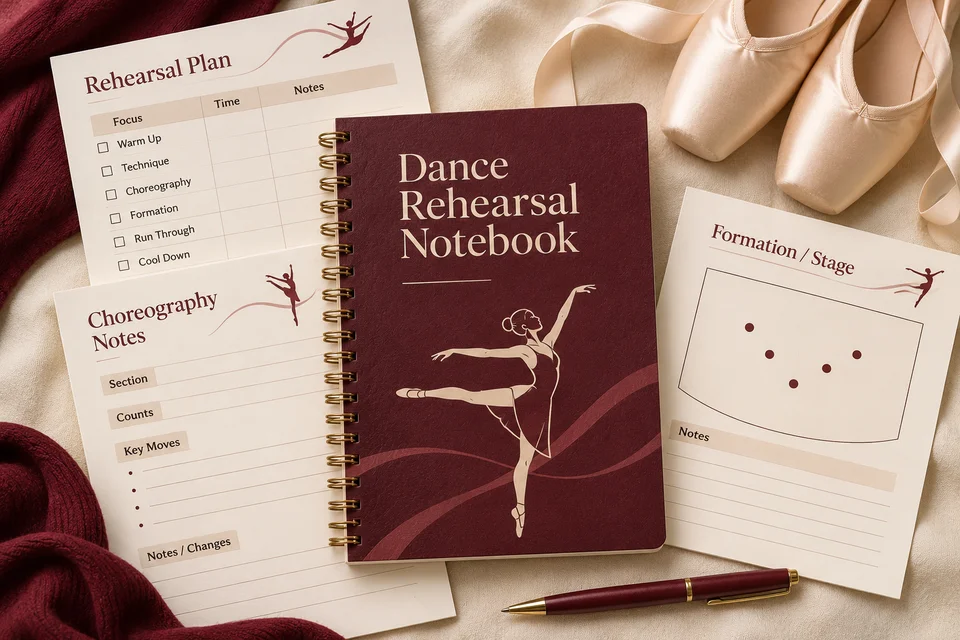
A dancer or instructor can use pages for rehearsal dates, sequence names, spacing notes and questions for the next session. Define whether the notebook supports solo practice, a class or an ensemble; each needs a different amount of shared information.
Map one rehearsal from preparation to review and identify the two or three notes the dancer needs to retrieve next time.
How to prepare this idea
Use a consistent page system with diagrams only where they serve the instructor’s process. Have the relevant teacher review terminology and use. Position the notebook as a record of rehearsals rather than a source of movement, injury or conditioning advice.
Move from a prompt to a finished passage
An original creative-writing workbook
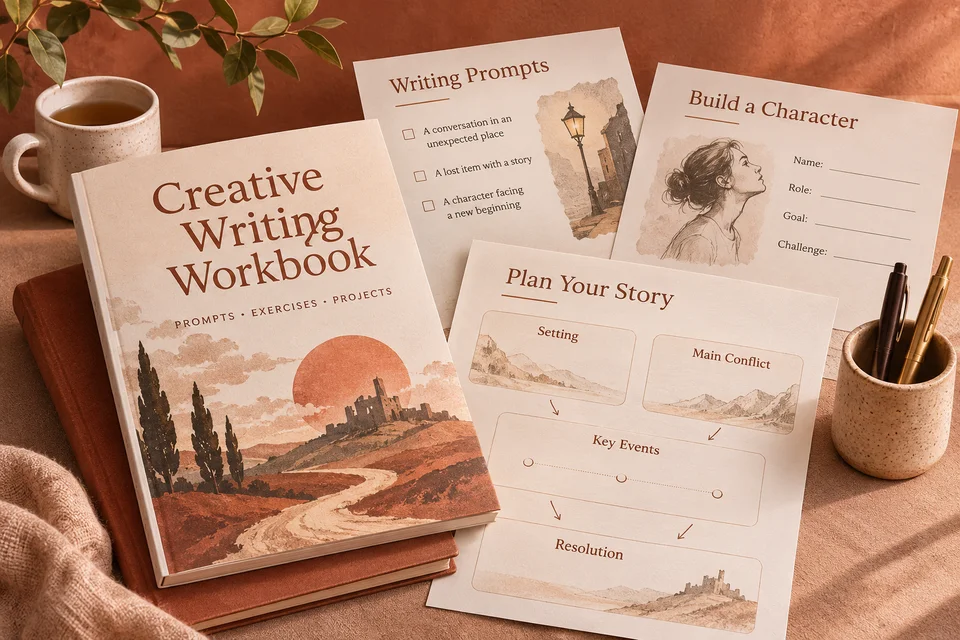
Build a short sequence around a writing task: invent a character, establish a setting, write a scene and revise one detail. The buyer gets a guided experience with room to write, rather than a long list of prompts without a progression.
Complete the workbook’s first activity yourself and revise any instruction that leaves you unsure what to produce.
How to prepare this idea
Create your own sample responses and distinguish examples from instructions. Give the learner a clear stopping point and optional extension. A facilitator edition can add discussion notes if you actually develop and review them; do not label the product a complete course when it is a prompt pack.
Make a creative starting point specific
An artist prompt journal
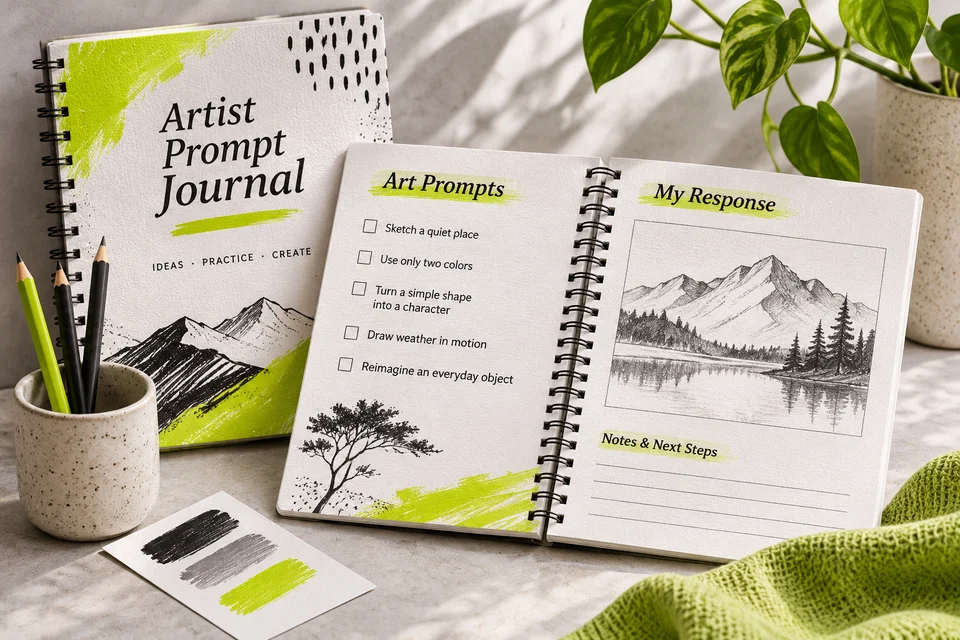
A drawing journal can use original constraints such as ‘draw the same object from three heights’ or ‘describe a room using only shapes.’ Organize prompts around a skill or theme so the buyer understands the collection’s purpose.
Write five related prompts with different constraints and try each one before turning them into a larger journal.
How to prepare this idea
Provide enough space for the chosen medium and explain whether the buyer should work on the page or use a separate sketchbook. Test the sequence with a few participants and ask which prompts were ambiguous. An inspiration tool can be valuable without promising to cure creative block or deliver artistic improvement.
Support a live session
A workshop companion book
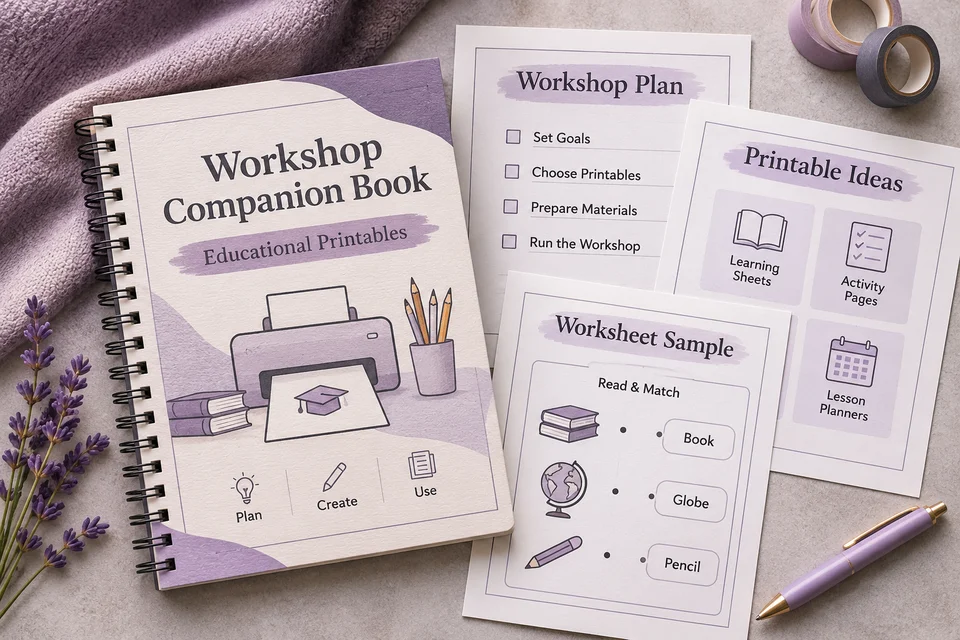
A workshop host may need an agenda, exercise pages, note space and a next-step plan. Offer a custom companion tied to the actual session. The strongest brief includes the facilitator’s outline, expected audience and the activities participants will complete.
Ask the facilitator to mark the exact moments when participants will pick up, write on and refer back to the workbook.
How to prepare this idea
Lay out the pages in the same order as the workshop and put the relevant instructions beside each response area. Have the host rehearse with the printed pack. Keep participant registration, live delivery and feedback collection in the host’s chosen tools; the PDF is the session material.
Help learners apply the lessons
Companion products for an existing course
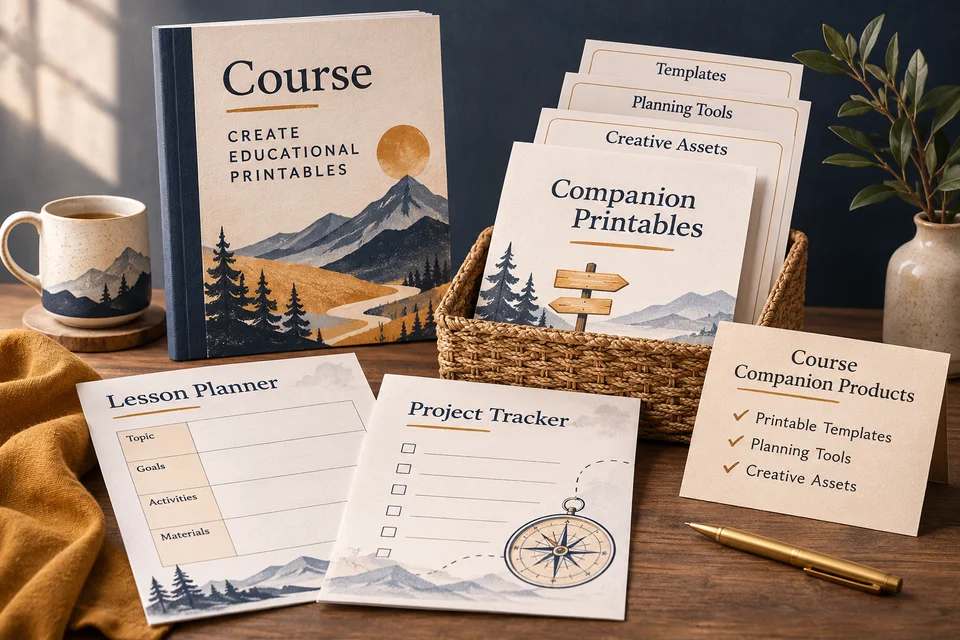
An instructor with a developed course can add action sheets, lesson summaries or project planning pages. Match the course’s actual sequence and terminology so the companion helps learners find and apply what they studied.
Choose one lesson and design an application page that asks the learner to do something with that lesson’s content.
How to prepare this idea
Agree on who maintains the workbook when the course changes. Use a version label and lesson references that the instructor can verify. oddPOD can prepare the pages and PDF, while lesson hosting, progress tracking, quizzes and learner accounts remain in the course platform.
Turn a reading series into an activity
A newsletter companion collection
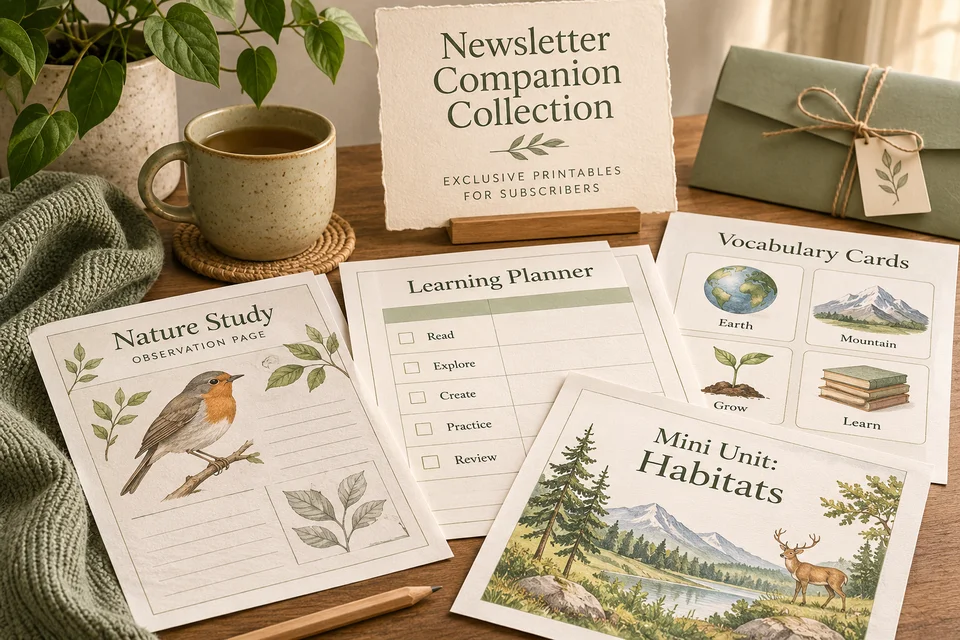
A newsletter author can package original reflection sheets or practical exercises around a themed series. A gardening writer might offer a seasonal observation journal; a drawing newsletter might provide a sequence of sketch prompts. The companion should add a useful action, not merely repeat the emails.
Identify one recurring reader question and draft a page that helps the reader put an issue’s idea into practice.
How to prepare this idea
Map each page to a specific issue or theme and use material you can include in the product. Prepare the printable collection in oddPOD, then deliver it through the chosen shop or newsletter system. Subscriber access, email automation and payment handling are separate from the design workflow.
Give repeated participation a structure
A creative challenge participation kit
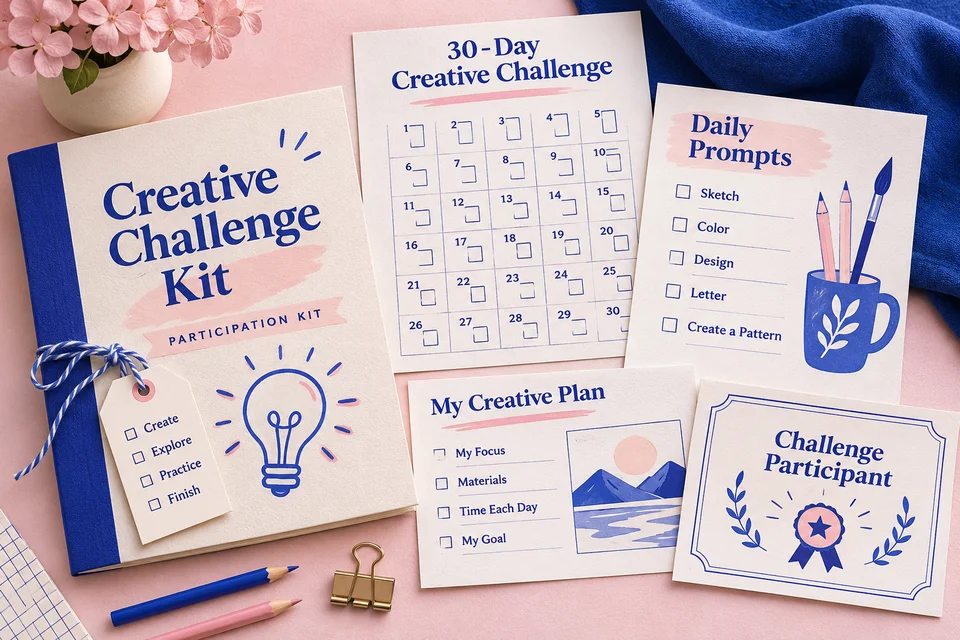
A host can offer a short original drawing, writing or observation challenge with prompts, a progress sheet and a closing reflection. Define the duration, required materials and expected activity. Make missed days easy to resume rather than presenting completion as a measure of personal worth.
Run through three sample days and record how long the activity actually takes before describing the expected commitment.
How to prepare this idea
Build a small set of consistent pages and test the workload before naming the challenge. Community moderation, submission handling and prize administration, if any, are separate operational work. The printable kit itself does not track participants or verify completion.
Help visitors look more closely
A museum or gallery activity pack
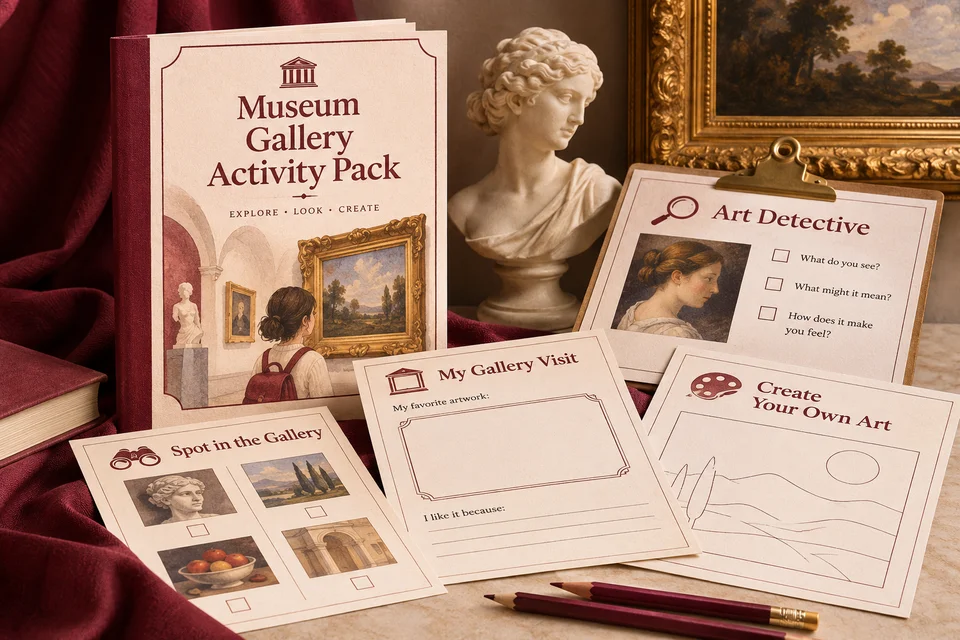
An institution, educator or tour leader may commission prompts for observing shape, material, composition or storytelling in a collection. Design the activity around objects visitors can actually encounter and the conditions in the space.
Develop one observation prompt that works in the chosen space, then have the venue or educator check its practicality.
How to prepare this idea
Use approved institutional content and images, or create original activities that do not depend on reproducing collection artwork. Have the venue review object references, permitted activities and accessibility needs. A family field guide and a formal curriculum resource are different products; describe the one you have actually made.
Look Closer: a five-page observation workbook
This original concept helps a learner observe an everyday natural object. Its page illustrations are editorial examples, not a classroom-tested resource or a claim of educational effectiveness.
Notice.
Describe.AN OBSERVATION WORKBOOK
- Set a narrow objective
The learner will describe and compare visible features of a familiar object using words and drawings. An educator selects the suitable learner group, object and setting. The pack does not require collecting wildlife or identifying an unknown species.
- Sequence five useful pages
Plan a start-here page, a first-look sketch page, a details page, a comparison page and a reflection page. Use original prompts such as ‘Draw the outline’ and ‘What changed when you looked from another side?’ Keep a clear route from observing to describing.
- Design for the response
In Studio, give the sketch a large frame and the detail notes a few spacious lines. Place instructions next to the task they explain. Use visible labels as well as color so the sequence remains understandable in a grayscale print.
- Review and try the activity
Ask an educator to check the purpose, language, difficulty and instructions. Print the PDF and observe an appropriate supervised trial. Note where learners need clarification and whether the writing and drawing areas fit their responses. Revise before calling the pack ready to sell.
- Describe the reviewed product
List the actual page count, paper size, materials, intended use and any supervision guidance established during review. Show genuine interior previews. Offer a print-and-write PDF; do not imply adaptive teaching, automated grading or a learning management system.
The delivery plan
What the finished work should include.
- Five sequenced pages and a clear statement of the activity’s purpose.
- Original instructions and appropriately reviewed sample responses.
- A print-checked PDF for the paper sizes offered.
- Facilitator notes describing the intended use and materials.
- A version record, representative previews and clearly stated usage terms.
A useful next edition might support a different observation task. Recheck its content and learner fit rather than changing the cover and assuming the same activity works for every audience.
Review the teaching as carefully as the typography.
The product’s educational value comes from its content and use. Account for subject review, trial sessions and revisions when scoping the work. If you offer classroom or institutional use, describe the permitted use clearly without assuming that every buyer needs the same arrangement.
- Define the learner, task, setting and expected response.
- Review factual content, model answers, translations and terminology.
- Use original or appropriately authorized text, images and exercises.
- Try the complete activity with the relevant reviewer or facilitator.
- Check grayscale printing, writing space and legibility.
- Describe only the curriculum alignment or outcomes you can substantiate.
Further reading and destination guidance.
An institutional example of discovery activities and family field guides. It is a reference for context, not a source of artwork or an endorsement of these concepts. The Met: 81st Street Studio →
Your questions, answered.
Do I need to be a teacher to make educational printables?
You need enough subject and learner knowledge to develop suitable material, or a qualified collaborator who can review it. You can also offer layout services using an educator’s approved content. Make the content and review responsibilities clear.
Can AI write all the exercises and answers?
AI assistance is optional paid usage in oddPOD. Treat generated material as a draft. Check the facts, answers, language, originality and learner fit before including it in a product; attractive formatting does not replace that review.
Are the PDFs interactive or automatically graded?
The workflow here produces print-and-write PDFs. It does not assume fillable fields, automated grading, student accounts or progress tracking. Those require separately created and verified systems or deliverables.
Can I sell a workbook to a course creator?
Yes. Scope the page count, supplied lesson content, review rounds, final files and maintenance responsibilities. The course creator should approve the educational content and how the workbook connects to their lessons.
Should every workbook include an answer key?
Include answer guidance when the task has expected answers or a facilitator needs it. Open drawing and reflection activities may instead need examples or discussion notes. Create and review the supporting material appropriate to the activity.